

Perplexity brings its Computer AI to the Mac without the cloud
Perplexity now lets you run its Computer agent entirely locally on Macs with Apple silicon, using models such as Qwen 3.6 and PPLX Pro. It can work with private files and applications without sending that data to the cloud, while users can authorize cloud models when a task requires them.
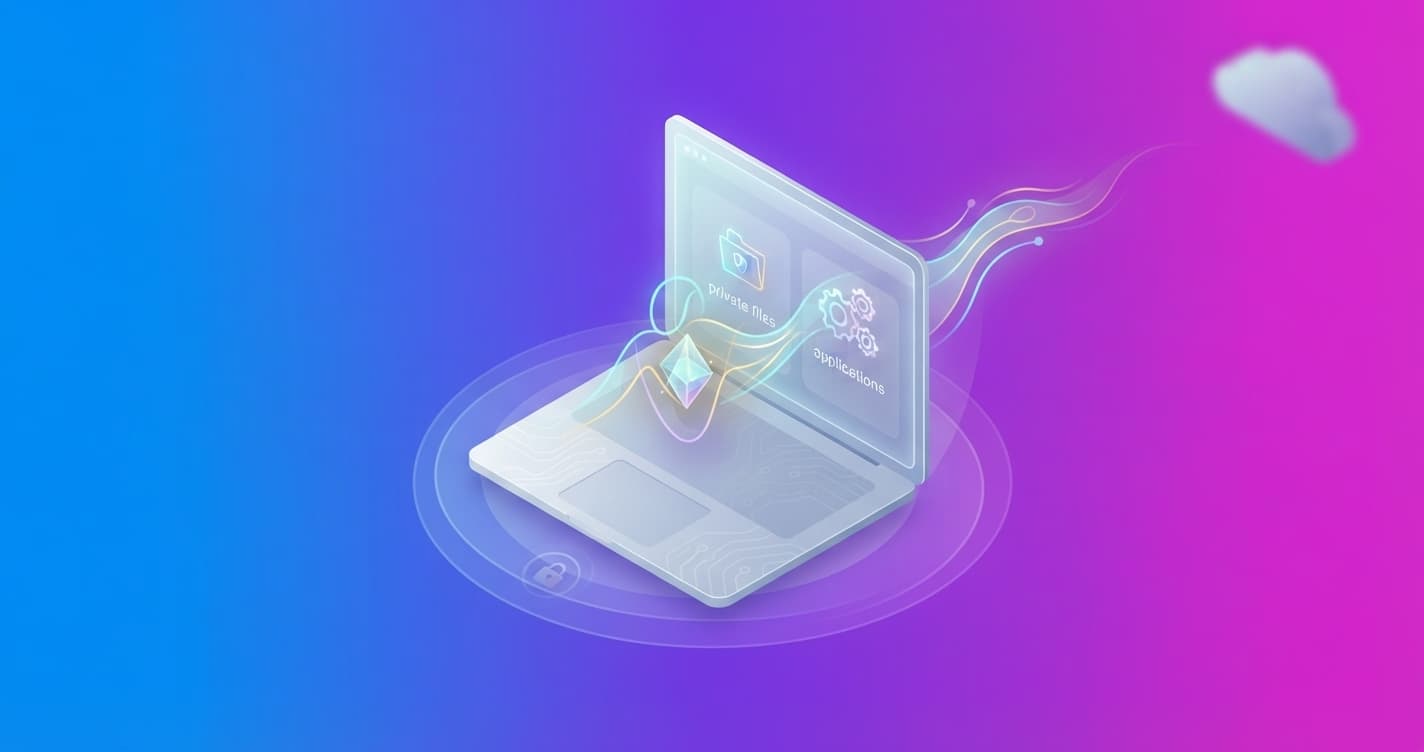
Perplexity now lets you run its Computer agent entirely locally on Macs with Apple silicon. The model, task planning and execution all happen on the device itself, without sending personal data to the cloud when you grant the required permissions.
The feature is designed for work that involves multiple steps and private files. Computer can read documents, organize information, use applications and prepare results without taking that content off your Mac. For example, it can review notes and messages, check expenses in a spreadsheet and draft an update for a meeting.
What changes compared with the cloud version
The Perplexity app for Mac offers two ways to work:
- Local execution: Your Mac handles planning, reasoning, file processing and actions in applications.
- Hybrid Compute: Perplexity combines cloud models for research or reasoning with local models that process private information on the device.
In local mode, Computer runs on Qwen 3.6 or PPLX Pro, a version of Qwen adapted by Perplexity. If a task needs up-to-date information, web browsing or connected applications, you can authorize it to move to the cloud. The local agent can also call on more than 15 advanced models for that type of work.
The practical difference is control. An investment portfolio analysis based on your holdings and downloaded market data can stay entirely on your Mac. A review that requires checking recent financial news, on the other hand, can use Hybrid Compute and send only what is necessary to the cloud.
Mac files and applications
With the user's permission, Computer can work with local files and compatible applications such as Notes, Messages, Mail and Numbers. It can also interact with Excel and Outlook in the workflows described by Perplexity.
One example combines a task list in Notes, a request received in Messages and projected and actual expenses from a spreadsheet. Computer can bring that data together, prepare a status report with outstanding tasks and the remaining budget, and draft a meeting invitation.
It can also review confidential documents to prepare business proposals, compare private investments against allocation rules, or identify requests and deadlines in recent emails and conversations.
Privacy and requirements
The code and tools run in isolated environments, with controlled access to the files and applications you authorize. Those measures are also part of the cloud-based version of Computer.
The feature is available to Pro, Max and Enterprise subscribers in the Perplexity app for Mac. It requires a Mac with Apple silicon, and 36 GB of memory or more is recommended. Perplexity cites the new Mac mini models with M6 and M5 Pro as examples.
To use it, you need to install the latest version of the app, download and configure a local model using the in-app instructions, and choose fully local execution when starting a task.
The importance of this launch is not just that the agent can work without the cloud. It points to a more flexible division of labor: the Mac handles private data, while the cloud is reserved for tasks that genuinely need external information or greater reasoning capacity. The next thing to watch is how much a personal computer can do reliably before it needs help from remote servers.