

Grok integrates work apps with AI connectors
xAI is launching Connectors so Grok can connect to tools such as Gmail, Outlook, Notion, GitHub and Google Workspace from the web, iOS and Android. It can search, summarize and, depending on permissions, create or edit content directly in those apps.
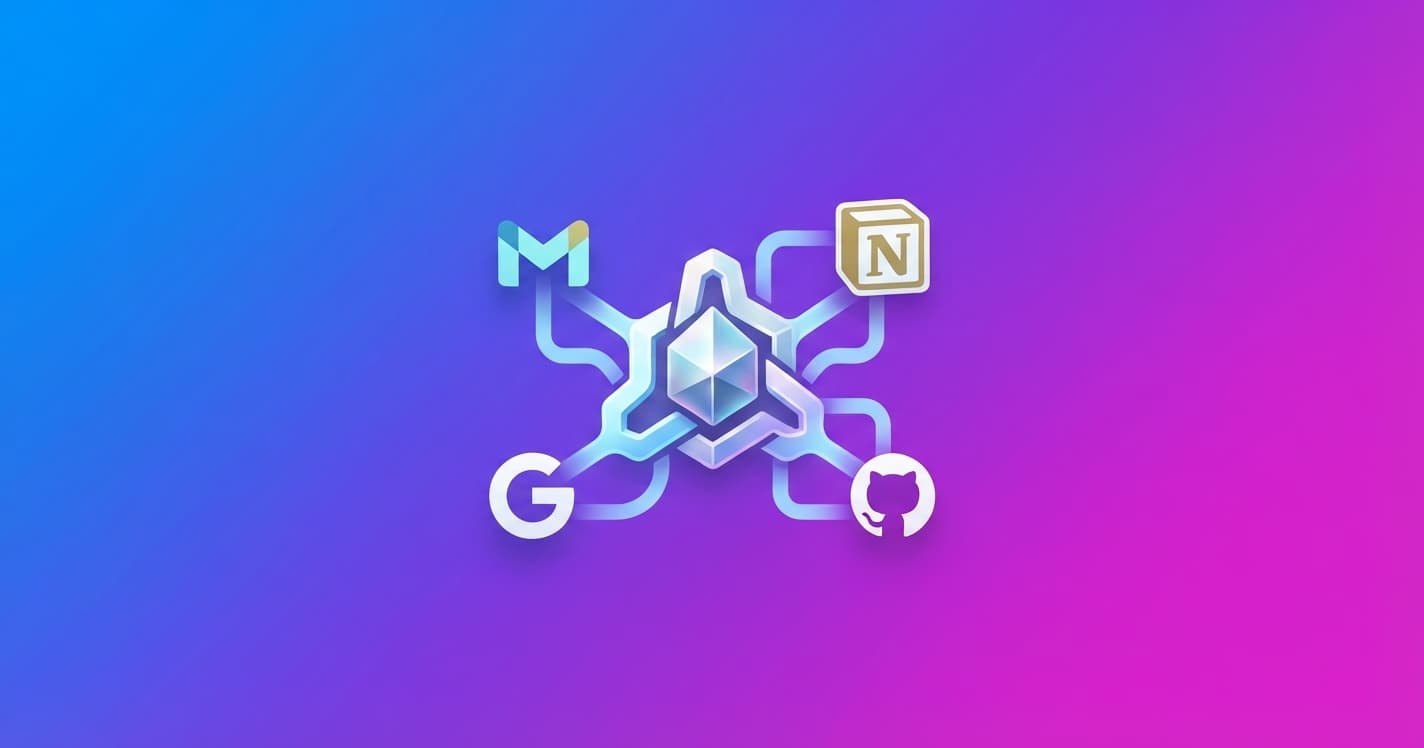
xAI is launching Connectors, a feature that lets Grok connect directly to apps such as Gmail, Outlook, Notion, GitHub and Google Drive from the web, iOS and Android. The idea is simple: you can work with your data without copying and pasting information between different tools.
Grok can search for information, summarize it and, in some services, create or modify content. For example, you can ask it to find a report in SharePoint, summarize task changes in Linear or analyze a spreadsheet stored in OneDrive.
What Grok can do with your apps
The connectors cover common work and collaboration tools:
- SharePoint: searches and summarizes an organization’s files, lists and pages. With write permissions, it can also create, edit and update documents, lists and pages. Advanced editing features use
Grok 4.3. - Outlook: checks emails, calendars and meetings with their context. It can also draft and send messages, create invitations and help prioritize your inbox.
- OneDrive: analyzes personal or shared documents, presentations, reports and spreadsheets.
- Google Workspace: connects Gmail, Drive, Docs, Sheets and Calendar. Grok can read and write emails, documents, spreadsheets and events.
- Notion: searches and edits pages, databases and workspace wikis.
- GitHub: reviews repositories, issues and change requests. It can summarize a code review and help identify what needs attention.
- Linear: checks tasks, projects, roadmaps and work lists. It can also summarize sprint progress, draft updates and create issues.
The difference from asking a chatbot to draft a text is that Grok can act on connected information. Instead of copying several emails to get a summary, you could ask it to review your inbox and prepare a priority list. Instead of opening several tools to organize a meeting, it could check your calendar and create an invitation.
You can also connect your own tools
xAI is adding an option called Bring Your Own MCP. MCP, or Model Context Protocol, is a standard that lets you connect an AI model to external apps and services.
This lets you link Grok to an internal knowledge base, a custom API or a company’s MCP gateway. The system is not limited to the apps included at launch.
What this changes for you
Connectors can save you repetitive steps, but their usefulness will depend on the permissions granted to each connection. Reading a file and modifying it do not require the same level of access, and sending an email or creating a meeting are actions worth reviewing before they run.
The next thing to watch will be how Grok manages those authorizations and what controls it offers for reviewing its actions. The promise is not just to answer questions about your apps, but to become a layer where you can view and update your work without constantly switching windows.