

Grok Build automates tasks with up to 1,024 agents
Grok Build lets you describe a complex task and have Grok divide it among up to 1,024 agents in parallel. The feature saves progress, checks results and turns useful workflows into reusable commands for teams or projects.
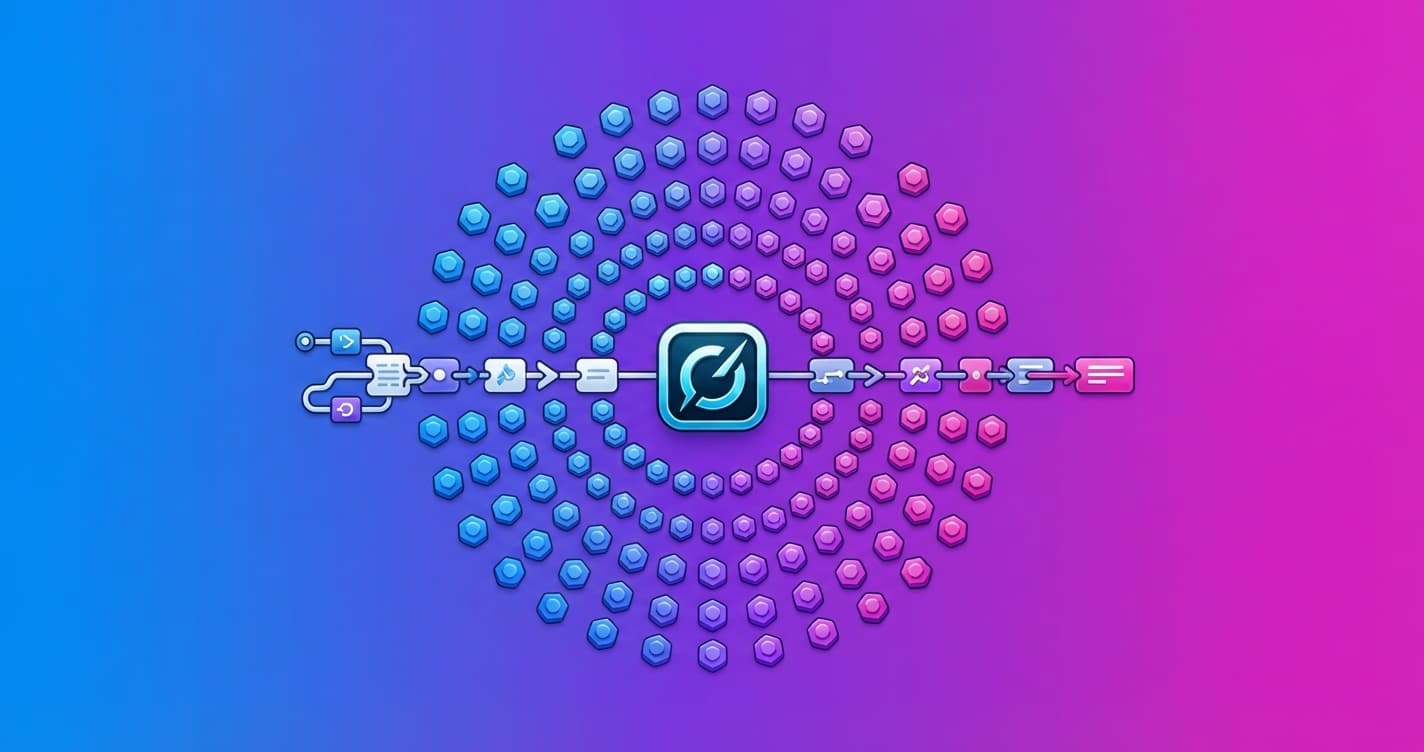
Grok Build can now turn a complex request into an automated workflow that divides the task among hundreds of agents and delivers a final report. You describe what you need in plain language, and Grok plans, runs and reviews the process in the background.
The feature is designed for jobs that are too large for a single conversation. For example, it can review every function in a large change request, classify the latest 100 issues in a project or search an entire codebase for a specific type of error.
The key is that the work is split into many independent pieces. Each agent receives clean, specific context, analyzes one part and returns its findings. Grok then combines them into a single report.
More agents and execution controls
Each run starts with a budget of 128 agents and can scale to 1,024 for large jobs. The process also includes checks: some agents can independently review other agents' findings before they appear in the final report.
Progress is saved while the workflow remains active. If you pause it and resume later, it does not redo work that has already been completed. With the /workflows command, you can follow the run phase by phase and check how many tokens each agent has used.
Your session remains available throughout the process. You do not have to wait for it to finish or write the code that coordinates the agents.
Grok creates and saves workflows for you
Grok generates the workflow from your request as if it were a small program with several phases. Before launching it, Grok checks that it works and can improve it between runs.
When a workflow works for you, you can save it for reuse. Workflows saved in .grok/workflows/ are shared with your team, while those in ~/.grok/workflows/ follow you wherever you use Grok. Each one becomes its own command with arguments.
That means a code review that previously required you to explain the process each time could become something like /pr-review 5137 for analyzing a new change request.
Deep research included
Grok Build also includes /deep-research. This feature divides a research question among multiple agents, checks each claim against its sources and returns a report with citations.
In practice, the difference is not just that Grok responds faster. It can coordinate long-running tasks that require many checks and would be difficult to manage in a single chat.
For you, this could mean moving from asking for a one-off answer to delegating a complete review: analyzing a repository, researching a topic with sources or classifying hundreds of items. The important thing will be to monitor the quality of the final report and verify that the checks actually catch errors, not just that more agents are working.