

Google redesigns Stitch to create AI-powered interfaces
Google has redesigned Stitch as an AI-powered design canvas that can turn instructions, images, and code into interactive interfaces and prototypes. The tool adds agents, voice control, reusable design systems, and connections to development tools to speed up the journey from idea to product.
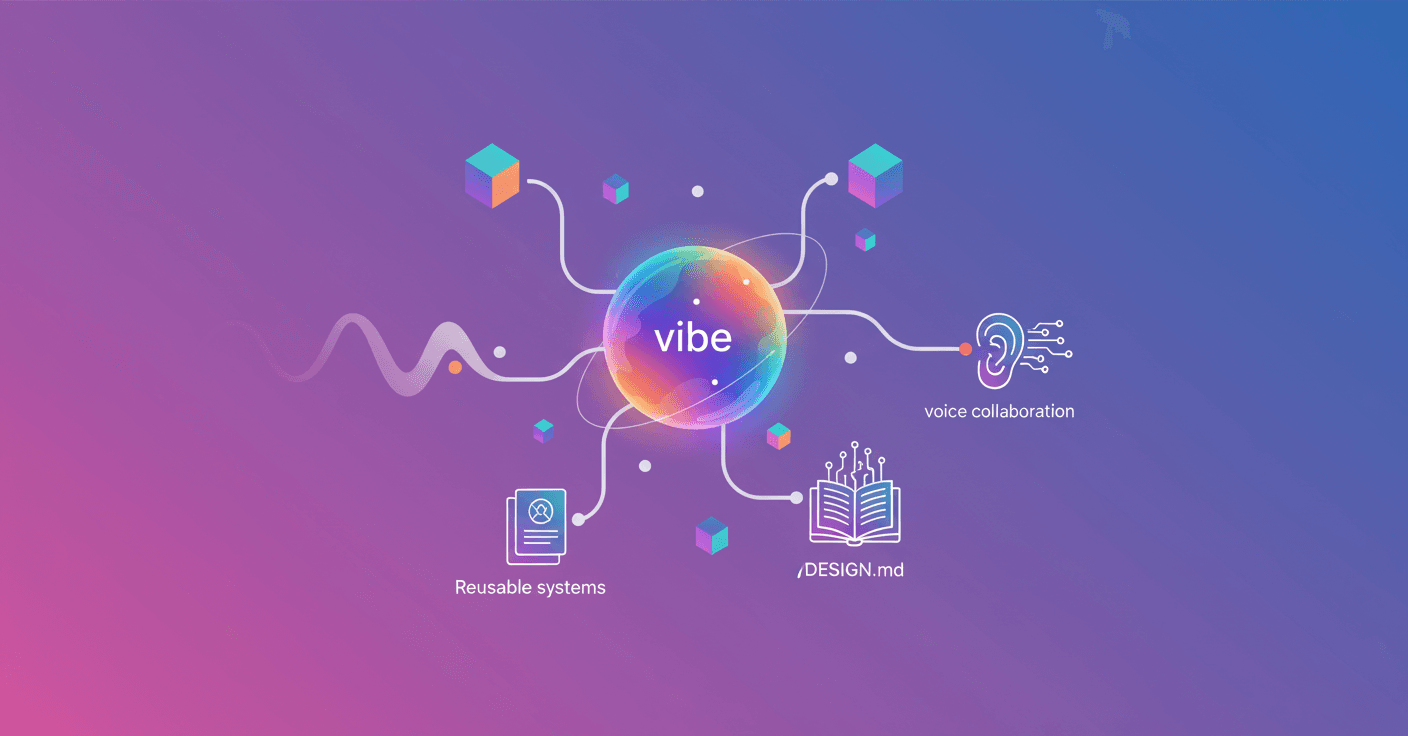
Google has turned Stitch into an AI-powered design canvas that transforms instructions, images, and code into interactive interfaces and prototypes. The tool aims to shorten the distance between a product idea and an application you can actually test.
The company calls this approach “vibe design.” Instead of starting with a rigid structure or wireframe, you can explain what you want to achieve, how you want users to feel, or which products inspire you.
Stitch uses that context to suggest high-fidelity designs. You can then explore different directions, compare options, and keep the one that best fits your idea.
A canvas for thinking and building
Stitch’s new interface works as an infinite canvas. You can bring together different types of information:
- Text with goals, instructions, or ideas.
- Images to use as visual references.
- Code related to the product.
- Designs and prototypes at different stages.
This matters because application design does not always move in a straight line. Sometimes you need to try many options before deciding what works. The canvas lets you move from an initial idea to several alternatives and then focus on the strongest proposal.
The tool also includes a design agent capable of analyzing the project’s full evolution. An agent is an AI system that can interpret instructions and perform tasks within a tool, rather than simply answering questions.
The new agent manager also lets you work on several ideas in parallel and keep them organized. For example, you can request one version focused more on sales and another centered on ease of use without losing the history of each path.
From static design to prototype
Stitch can turn static screens into interactive prototypes. You can connect one screen to another and press “Play” to move through the application flow as a user would.
The AI can also suggest the next screen based on the element someone clicks. So if you are designing an online store and someone clicks “Buy,” Stitch can help you build the checkout screen or the next step in the process.
The goal is to identify navigation problems earlier. Instead of waiting for the team to code a complete version, you can change one screen or rebuild an entire flow from within the design itself.
Voice, design systems, and code
You can also collaborate with Stitch through voice. You can ask it to critique a design, interview you to create a homepage, or generate three different menus while you talk with the agent.
You can also request specific changes, such as testing different color palettes for the same screen. The AI acts as a partner that suggests options and challenges decisions, while you remain in control of the outcome.
Google is also expanding the tools for maintaining a consistent visual system. Stitch can extract design rules from a URL and use the DESIGN.md format, a Markdown file designed to help AI agents understand colors, typography, spacing, and other interface criteria.
That file lets you transfer a design system to another project without starting from scratch. The tool also connects to other environments through an MCP server, a technology that allows different applications and agents to share capabilities, and lets you export designs to AI Studio and Antigravity.
For you, the main change is that Stitch is no longer just a screen generator. It becomes a space to define an idea, test alternatives, validate how it is used, and bring it closer to code. The challenge will be reviewing the AI’s proposals with judgment: creating many versions is easy, but deciding which one actually solves a problem still depends on people.