

Google Opal adds AI agents to its workflows
Google has updated Opal so its workflows can use AI agents that choose models, tools, and routes based on the goal. The update adds cross-session memory, dynamic decision-making, and interactive chat, while keeping fixed steps available for those who need greater control.
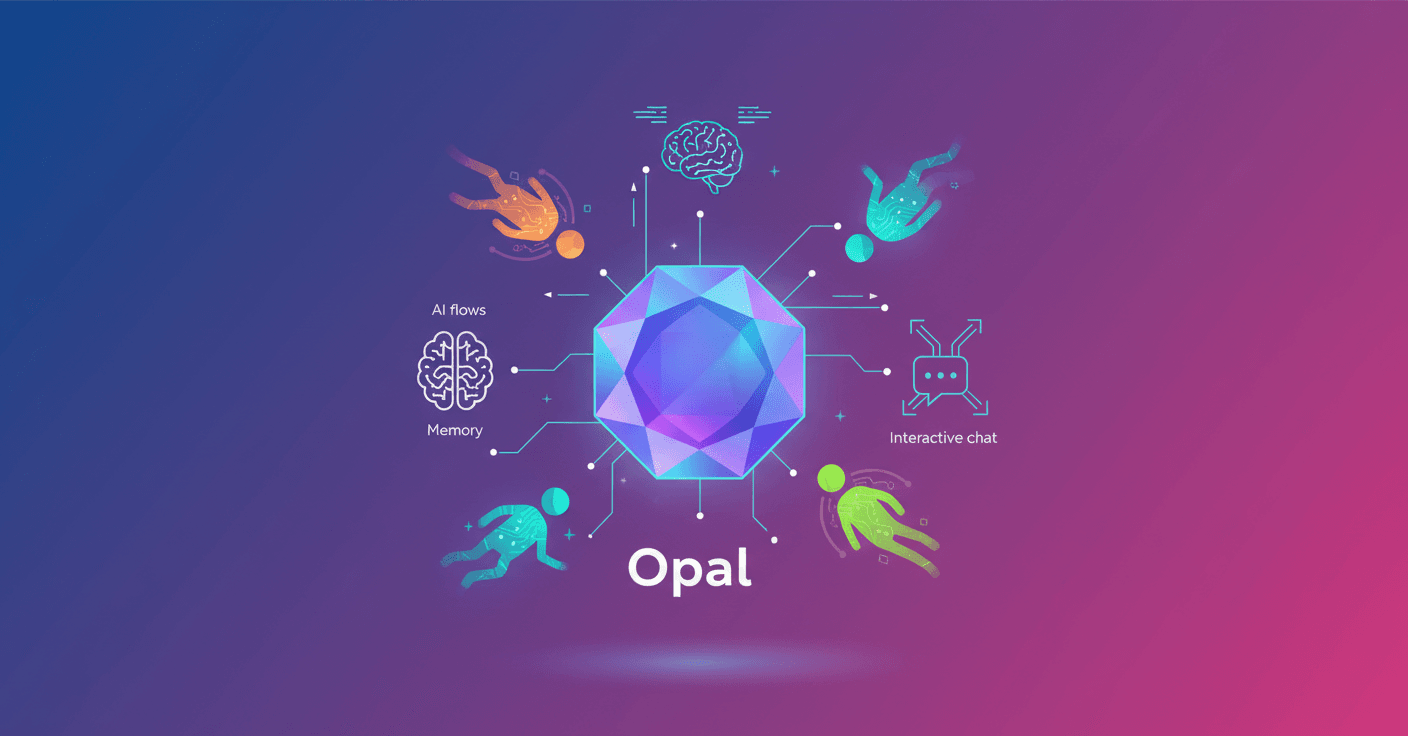
Google has turned Opal workflows, its tool for creating AI experiences, into processes that can make decisions during execution. Instead of manually choosing a model at each step, you can now select an agent in the generate stage and let it determine which tools and models it needs to reach your goal.
That agent can use Web Search to investigate, Veo to generate video, or other available models depending on the task. The goal is to reduce manual setup in complex processes without taking control away from the creator.
From rigid flows to adaptive experiences
Previously, creating an illustrated book in Opal meant deciding in advance how many pages it would have and which questions the application should ask. With the new agent, a visual storytelling Opal can decide what information it needs, ask the user for details, and suggest possible twists to guide the story.
The result does not necessarily follow a fixed template. Each story can develop differently depending on the decisions the agent makes during the conversation.
Google also demonstrates the change with an interior design example. A traditional workflow took a photo of an empty room and a style description, then returned a redesigned image. The new Room Styler can suggest a first version, ask about specific elements, and modify the result based on your feedback.
If you mention that you are looking for a mid-century modern style, for example, the agent can take the decor and palettes associated with that period into account. If the result seems too generic, it can ask for more references or research lesser-known substyles before generating another image.
Three features for more useful agents
The update adds several capabilities that move Opals beyond one-way processes:
- Cross-session memory: the Opal can remember your name, your style preferences, or a shopping list. In a video idea generator, for example, it can retain your brand identity so you do not have to repeat it every time.
- Dynamic paths: you can define different routes based on custom rules. An Opal for preparing meetings can research a new client or review internal notes if an existing relationship is already on record.
- Interactive chat: the agent can ask follow-up questions when information is missing or present several options before continuing with the workflow.
This makes it possible to create tools that do more than respond to an input. They also know when they need more information. For you, the practical difference is clear: an application built in Opal can behave more like a collaborator than a form with a fixed result.
Control when you need it
Google is keeping the traditional steps available for those who prefer exact, predictable logic. You can use the agent to handle decisions, memory, and course corrections, or combine it with fixed steps when you need precision.
The important change is not that Opal generates more content on its own, but that it can now choose how to move toward a goal. It is worth watching how memory, automatic routes, and external tool use work in practice. The more room an agent has to make decisions, the more important it becomes to review its choices before trusting it with sensitive tasks.