

Google introduces Nano Banana Pro for AI image creation
Google launches Nano Banana Pro, an AI model for generating and editing images with better text, more context, and precise controls. It can combine up to 14 images, maintain the consistency of up to 5 people, and incorporate updated information through Google Search. The model is gradually coming to Gemini, Workspace, Google Ads, developer tools, and Flow, with quotas and features that depend on the account type.
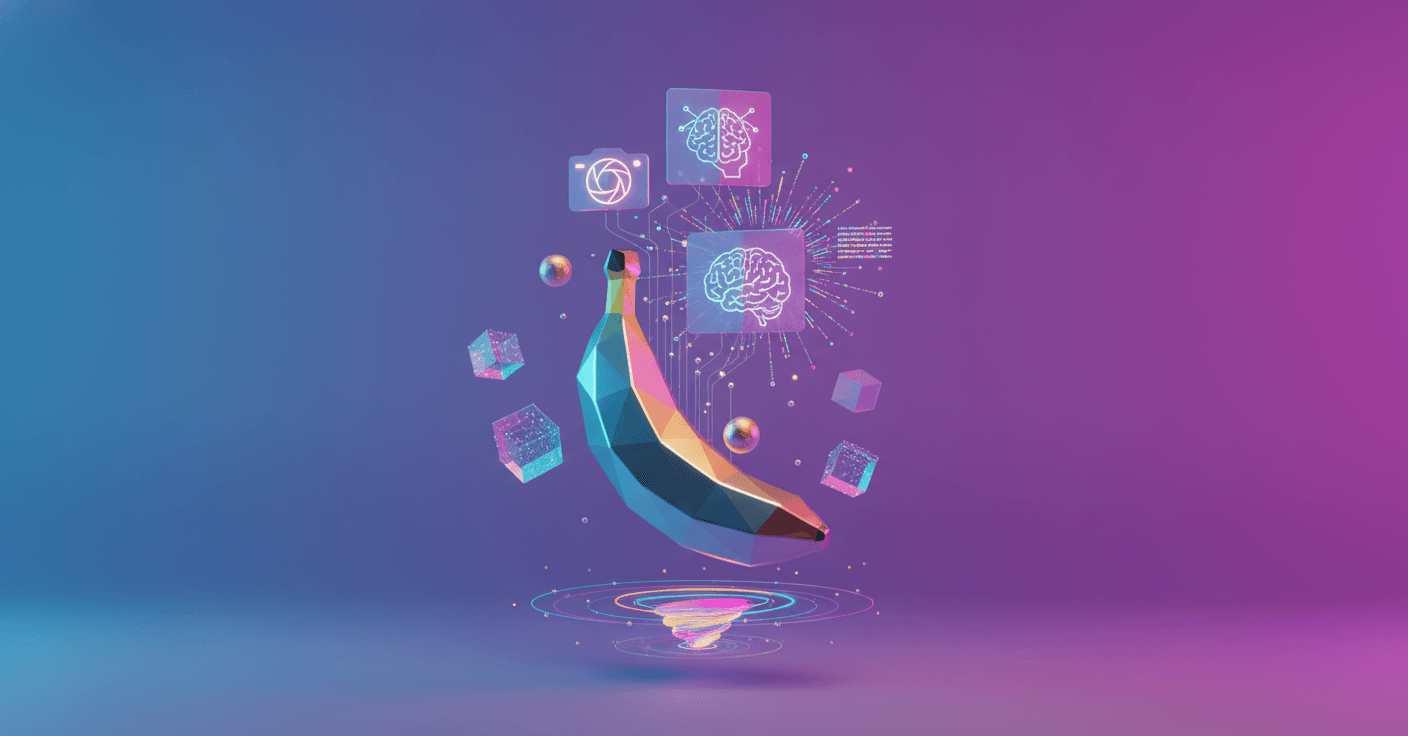
Google introduces Nano Banana Pro, an AI model for generating and editing images with more control over text, composition, and the information they contain. It is based on Gemini 3 Pro Image, the visual version of its new Gemini 3 Pro model.
The main difference from the original Nano Banana is its ability to handle more complex instructions. You can ask it for an infographic about a plant, turn handwritten notes into a diagram, or create a visual prototype from a sketch.
Images that understand more context
According to Google, Nano Banana Pro combines Gemini 3’s reasoning with real-world information to generate more useful images, not just attractive scenes. It can also connect to Google Search to include up-to-date data.
For example, it can create an illustrated step-by-step recipe, prepare an infographic about the weather in a city, or visualize recent sports information. The feature depends on the connection to Search and on product availability in each service.
This changes the kinds of instructions you can give it. Instead of asking only for “an image of a coffee cup,” you can request a visual guide on how to make cardamom coffee, with the ingredients, quantities, and steps organized.
More readable text inside images
One of the biggest problems with image generators has been writing text correctly. Words often appeared distorted, incomplete, or filled with meaningless letters.
Google says Nano Banana Pro improves this area and can generate anything from short phrases to paragraphs, posters, logos, and editorial designs. It can also work with different typefaces, textures, and handwriting styles.
It also understands and generates text in several languages. This lets you create an advertising campaign and adapt its copy, for example, from English to Korean without changing the rest of the design. It can also create storyboards, typographic compositions, and signage integrated into buildings or other objects.
The improvement is especially useful for specific tasks:
- Create presentations and infographics.
- Design posters, logos, and ads.
- Translate the text in an image while preserving its composition.
- Prepare product and campaign sketches.
- Turn a written idea into a visual proposal.
More control over people, objects, and scenes
Nano Banana Pro can combine up to 14 input images in a single composition and maintain the visual consistency of up to 5 people. This lets you mix photographs of products, characters, clothing, or places without making each element look as if it belongs to a different scene.
It can also preserve the identity and appearance of elements while changing the setting. For example, you can bring several people and a dog together in a fashion shoot, turn a clothing design into a realistic scene, or convert a floor plan into a three-dimensional structure.
The tool includes localized editing controls. In other words, you can select a specific part of the image to modify without recreating the entire scene. It also lets you:
- Change the image format for social media or print.
- Turn a daytime scene into a nighttime scene.
- Change the point of focus, such as making flowers stand out.
- Apply dramatic lighting or depth effects.
- Adjust the framing and aspect ratio.
Google says images can be generated at 2K and 4K resolutions, although the options depend on the product and account type.
Where you can try it
The rollout is beginning across several products, but they will not all have the same conditions:
- Users and students: It is gradually coming to the Gemini app when you select “Create images” with the Thinking model. Free accounts will have a limited quota and then switch back to the original Nano Banana.
- Google AI Plus, Pro, and Ultra subscribers: They will receive larger quotas. In AI Mode in Search, Nano Banana Pro will be available in the United States to Pro and Ultra users.
- NotebookLM: It will be available globally to subscribers.
- Professionals: Google is gradually adding it to Google Ads, Google Slides, and Google Vids.
- Developers and businesses: It is beginning to arrive in the Gemini API, Google AI Studio, and Google Antigravity. It is also available for creating projects in Vertex AI.
- Creatives: It is gradually being added to Flow, Google’s tool for creating AI-generated films, for Google AI Ultra users.
The rollout is gradual, so not every account will see the same features from day one.
How to tell whether an image was created by AI
Images generated with Google’s tools include an invisible digital watermark called SynthID. It cannot be seen with the naked eye, but it can be used to check whether an image was created by Google AI.
In the Gemini app, you can upload an image and ask whether it was generated by Google AI. The check begins with images, and Google plans to expand it to audio and video.
Free accounts and Google AI Pro subscriptions will continue to display a visible mark with the Gemini symbol. Google will remove that visible mark from images created by Google AI Ultra users and inside Google AI Studio, where clean compositions are needed for professional work.
Nano Banana Pro does not turn the Gemini app into a complete design studio, but it does remove several practical barriers: writing text inside an image, keeping characters consistent, combining references, and turning data into graphics. What matters now is seeing how it performs outside Google’s prepared examples and what limits remain around quotas, real-time information, and editing real people.