

Google improves Veo 3.1 for more consistent video creation
Google is improving Veo 3.1 to generate videos from reference images with more consistent characters, objects, and backgrounds. The update adds 9:16 vertical format and 1080p and 4K output options, with availability distributed across Gemini, YouTube, Flow, Google Vids, the Gemini API, and Vertex AI.
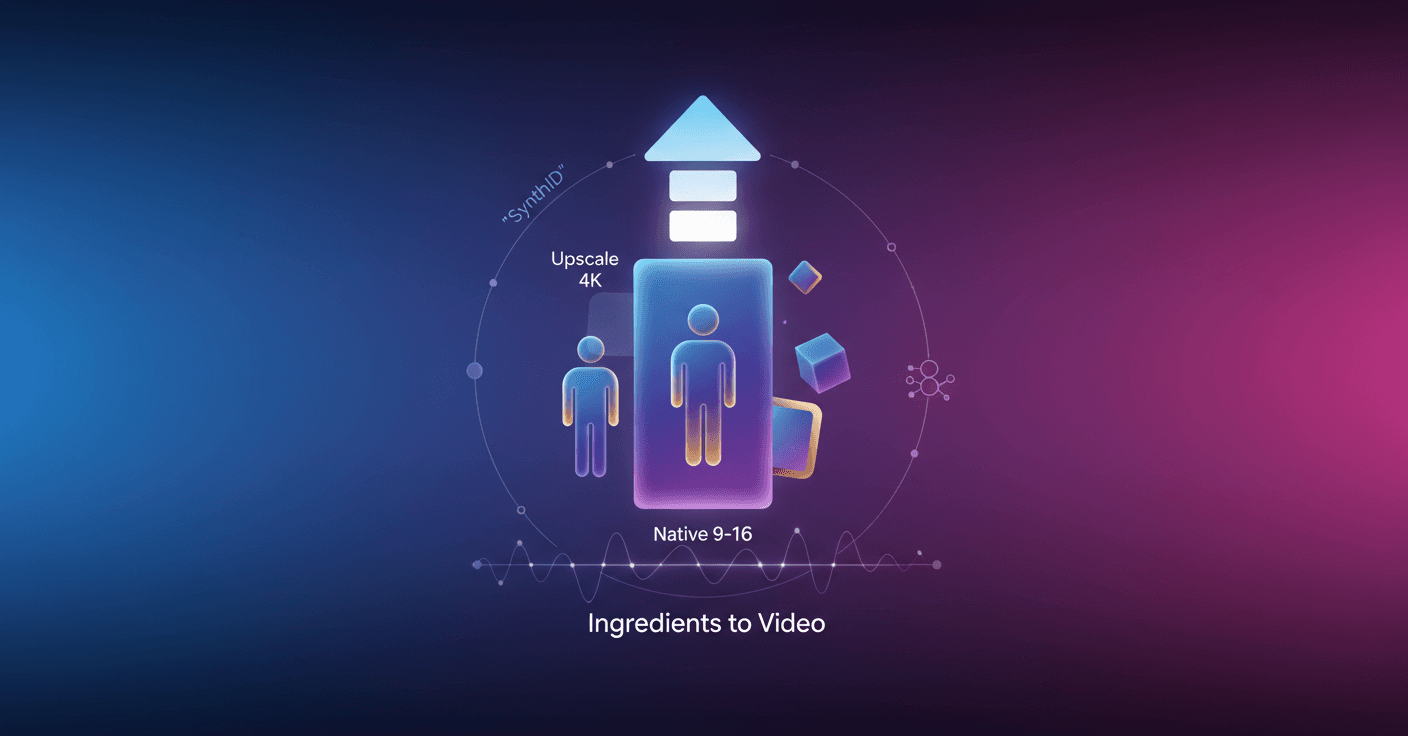
Google is updating Veo 3.1 so you can create videos from reference images with more consistent characters, objects, and settings. The update also adds native vertical format and 1080p and 4K output options for different types of production.
The update focuses on Ingredients to Video, a feature that turns multiple reference images into an animated clip. You can provide, for example, an image of a character, an object, and a background, then briefly describe what you want to happen.
More control over characters and settings
Veo 3.1 improves character identity across scenes. This means the same character can appear in different locations without changing as much, which matters when you want to tell a story across multiple clips.
It also improves the consistency of backgrounds, objects, and textures. You can reuse a room, a piece of clothing, or a specific element across different shots while maintaining greater visual continuity.
The tool lets you combine elements that were not originally together, such as a character, an object, a texture, and a background with its own style. The model tries to integrate them into a single scene instead of treating them as separate images.
According to Google, even short instructions can produce videos with more expressive movement, dialogue, and narratives. In practice, this could help you create a short scene for social media without having to write a detailed description of every gesture or action.
Vertical videos without cropping
For the first time, Ingredients to Video generates videos directly in the 9:16 vertical format. This is the standard ratio for YouTube Shorts and other mobile platforms.
The difference compared with converting a horizontal video afterward is that you do not need to crop the sides or accept a loss of quality when adapting the image. The result is designed from the start to fill the phone screen.
This change mainly affects creators who produce short clips, ads, visual stories, or social media content. Vertical format is no longer a post-generation adjustment. It is now part of the generation process.
Resolution for mobile and professional production
Google is also adding upscaling options for 1080p and 4K. 1080p is intended to provide a cleaner image for editing, while 4K is aimed at projects that need more detail or will be shown on large screens.
These resolutions are not available in the same way across all products. The vertical format and improvements to Ingredients to Video are coming to Gemini, Flow, Google Vids, the Gemini API, and Vertex AI. The 1080p and 4K options are available in Flow, the Gemini API, and Vertex AI.
For consumers and creators, Google is also bringing this feature to YouTube Shorts and the YouTube Create app. In the Gemini app and Flow, the new capabilities can be tried from launch, depending on service availability.
How to tell whether Google AI created a video
Videos generated with Google's tools include an invisible digital watermark called SynthID. You cannot see it with the naked eye, but it can be used to identify the content's origin.
The Gemini app already lets you upload a video and ask whether it was generated with Google's artificial intelligence. The feature expands the verification tools the company already offered for images.
For you, the main change is more practical than technical: Veo 3.1 tries to preserve the elements you define more consistently, produces vertical videos ready for mobile, and offers higher resolution when a project needs it. The next thing to watch will be how well that consistency holds up in longer stories and scenes with a lot of movement.