Google Flow adds six AI tools for creatives
Google has introduced six AI tools for Google Flow, created with professionals in sound, film, architecture and digital content. They automate tasks such as subtitling videos, generating sound effects, creating thumbnails, testing 3D materials and producing animated graphics.
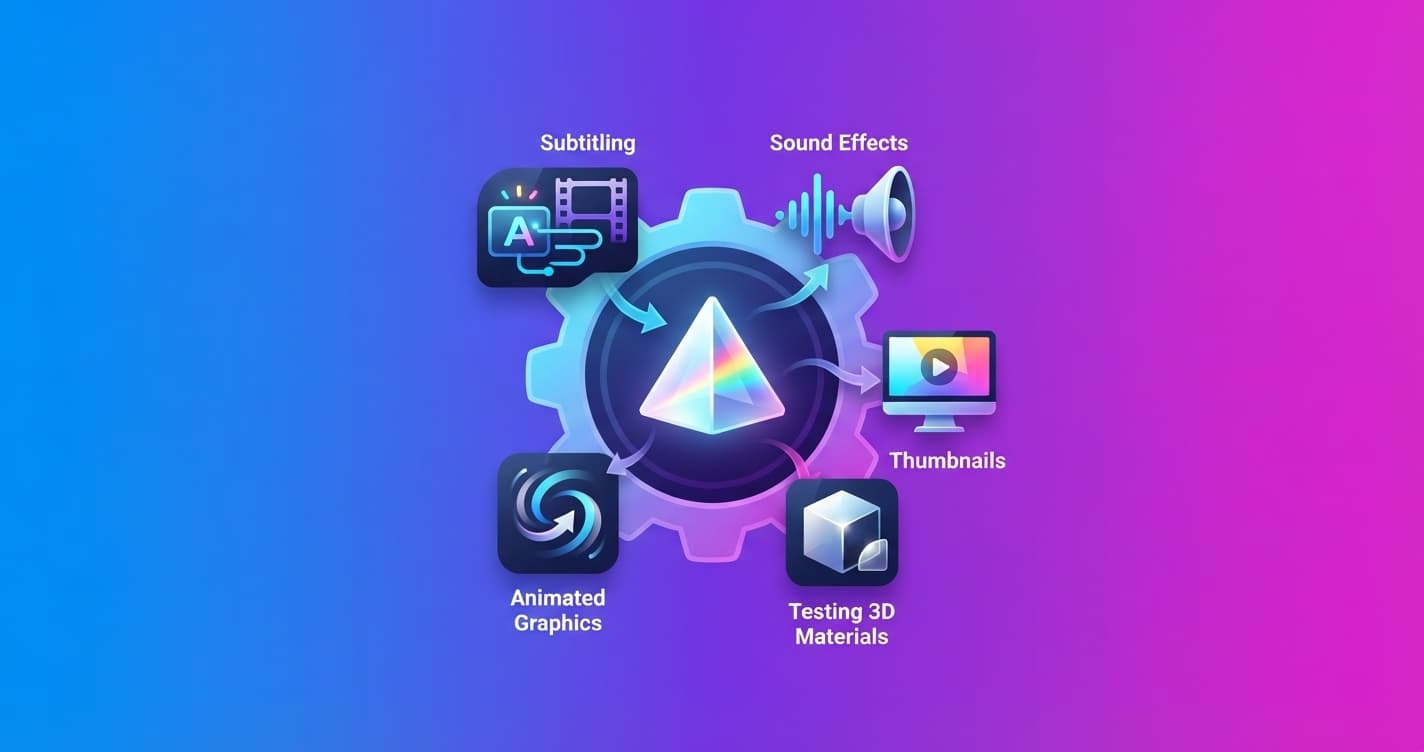
Google has introduced six AI tools created alongside professionals in film, design, sound and digital content. All of them work inside Google Flow, a platform that lets you build custom workflows by describing the task you want to solve in plain language.
The idea is simple: instead of adapting to rigid software, you can create or modify a tool to fit the way you work. These are the six options Google is launching now.
Six tools for specific tasks
-
Mondo Sónico, created by creative director Ricardo Villavicencio and sound designer Sebastián Carvallo, generates atmospheres, sound effects and foley, meaning sounds that accompany specific actions on screen. It separates them into editable tracks and syncs them automatically, so you can export each element separately for post-production.
-
CaptionCast, by Jay Pirabakaran, automates subtitles. It transcribes a video, applies styles and animates the text in multiple languages in a single process. For a content creator, this can replace much of the manual work required to prepare versions for different audiences.
-
ThumbnailForge, also created by Pirabakaran, produces social media thumbnails from an image, a headline and a written instruction. The tool generates photorealistic covers in formats designed to attract attention across different platforms.
-
Surface, developed by interior designer and technologist Vojtek Morsztyn, speeds up material testing in architectural projects. It can create custom textures, from minimalist patterns to art deco-style tiles, and apply them in real time to walls, ceilings and floors in 3D.
-
CollageMotion Pro, by Hashem Al-Ghaili, turns a text instruction into animated collages with a mixed-media style. It is designed for documentaries and other projects that combine photographs, graphics, illustrations and video, a type of composition that often requires substantial manual work.
-
SwissFlow Studio, also by Al-Ghaili, transforms scripts into animated graphics in the Swiss style. The goal is to reduce the need to create every movement frame by frame, a technique known as keyframing, so designers, creators and marketing teams can focus more on storytelling.
What changes for you
These tools are not general assistants that try to do everything. Each one handles a specific part of the creative process: sound, subtitles, thumbnails, 3D materials, collages or motion graphics.
Their main difference is that they can be duplicated and modified. If CaptionCast generates subtitles but you need a specific visual identity or output prepared for a particular platform, you can adapt the workflow instead of starting from scratch.
You can also open Google Flow, describe a task and create your own tool. For example, a team could design a workflow that turns an interview into short clips, adds subtitles in its own style and prepares several versions for social media.
The limit, at least in this proposal, is not only in the functions Google provides out of the box. It is also in how each professional translates their workflow into reusable instructions and settings.
Google is moving creative AI toward smaller, more specialized tools. The important question will be whether these workflows save time without taking control away from the people who edit, design and make the final decisions.