

Google connects your apps to AI-powered Search
Google is expanding Personal Intelligence so Search can use information from Wallet, Drive and Gemini, as well as Gmail, Calendar and Photos, if you give permission. The feature provides more personalized answers, but the connections are optional and can be disabled at any time.
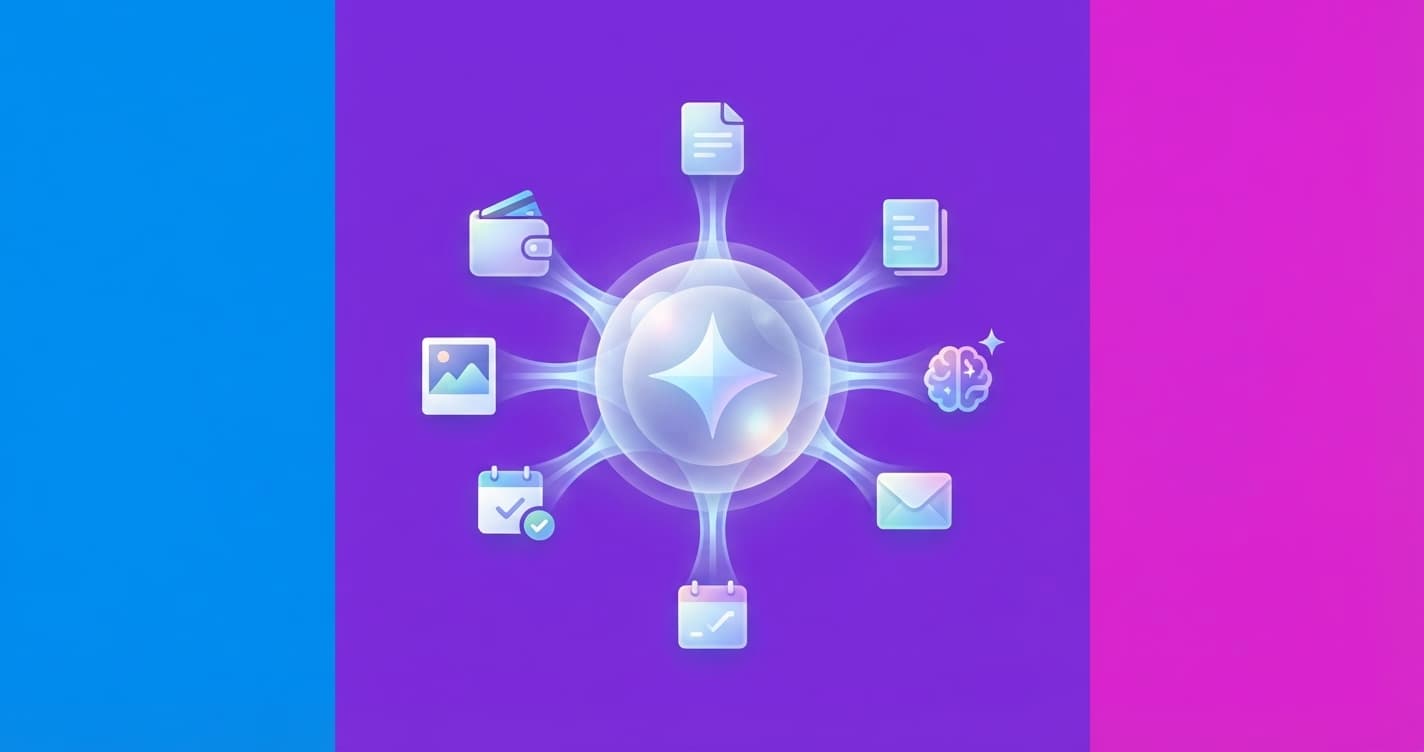
Google Search is starting to use information from your own apps to provide answers that better fit your context. The Personal Intelligence feature can connect Search with Google Wallet, Drive and the Gemini app, as well as Gmail, Calendar and Photos.
The goal is to save you from repeating what you have already searched for, explaining your plans from scratch or checking several documents to get a useful answer. The feature is optional and is rolling out in phases.
What it can do with your apps
Google Wallet is beginning to integrate with Personal Intelligence in AI Mode, Google's AI-powered search mode. The connection can help you:
- Review your spending and find ways to reduce everyday purchases.
- Organize financial goals based on your transactions.
- Get more from linked cards, including their cash-back categories, travel benefits and points.
There is one important limitation: if you connect Wallet, AI Mode can only read information from your accounts. It cannot move, manage or invest your money.
The Google Drive integration will arrive in the coming weeks. Search will be able to take into account information spread across documents, spreadsheets and PDF files. For example, it could prepare a personalized plan to organize your paperwork before tax season instead of giving you a generic list of recommendations.
Google is also preparing a connection between the Gemini app and AI Mode. If you develop an idea in Gemini, Search will be able to use that context to continue working on it, and vice versa. That way, a conversation about a project would not have to start over every time you switch apps.
You decide what each app shares
To activate these connections, open Search personalization, go to Connected Apps and choose the apps you want to link. You can turn each connection on or off whenever you want.
Google is also preparing a “Personalization” icon below adapted responses. It will let you see what context AI Mode used and request changes directly, for example: “I am no longer vegetarian.”
AI Overviews and AI Mode will also start making better use of your recent searches. If you have been researching a trip for several days, a new conversation can continue from that point without making you repeat your destinations, dates or preferences.
The feature can save you time, but it also means Search will work with more personal information: spending, documents, conversations and searches. That is why it is worth reviewing which apps you connect and checking your personalization settings before activating it. The benefit is not in connecting everything, but in choosing the context you actually want to make available to AI.