

Google brings Gemini to Mac as a native app
Google launches a native Gemini app for Mac, available for free worldwide on devices running macOS 15 or later. It opens with `Option + Space`, can analyze shared windows and files, and lets you generate images and videos without leaving your workflow.
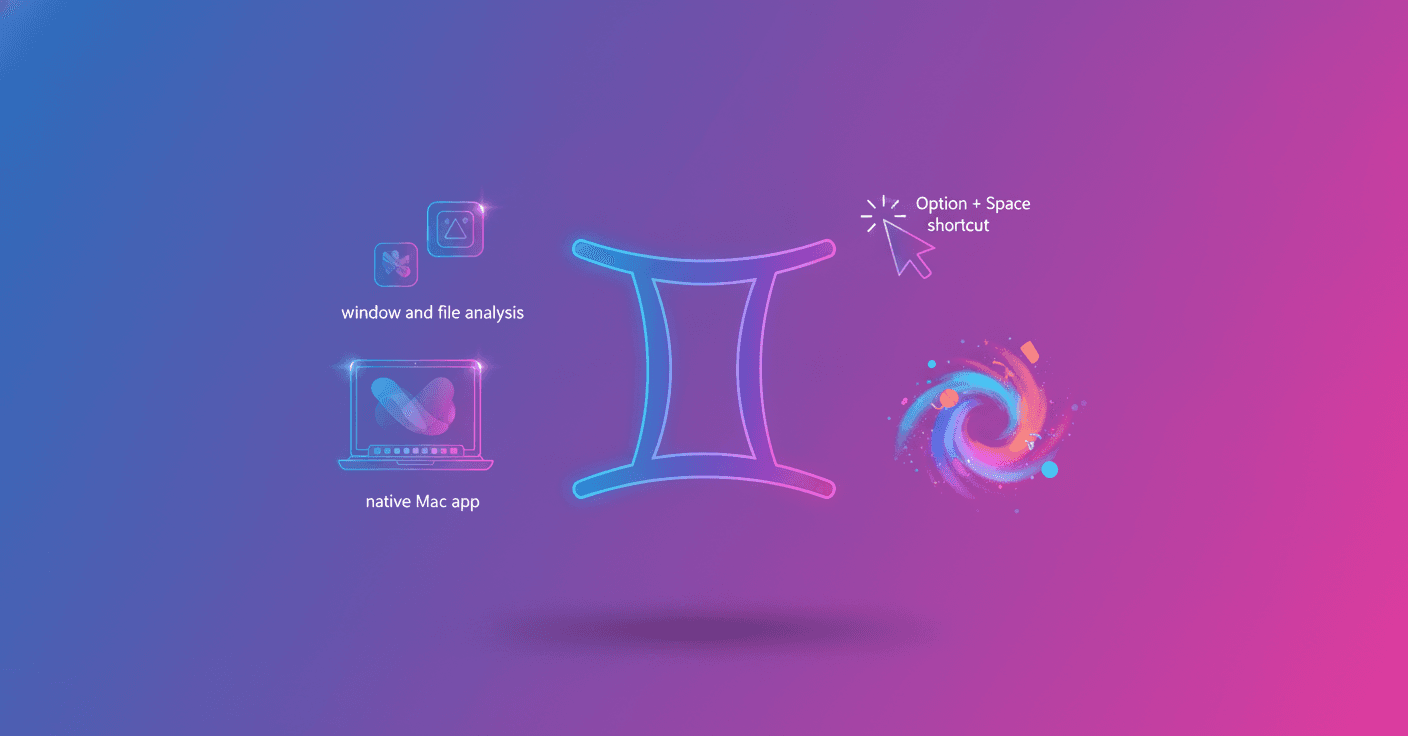
Google now has a native Gemini app for Mac. It is available for free worldwide to Gemini users running macOS 15 or later, and you can open it from any app with the Option + Space shortcut.
The idea is simple: ask Gemini for help without switching windows or losing track of what you are doing. The app appears over your desktop and can work with the context of the screen you share.
Gemini can understand what you see
You can share a window, including local files, and ask questions about its content. For example, if you have a complex chart in front of you, you can ask Gemini to identify its three main takeaways. It can also help you review documents, interpret information or summarize what is on screen.
Access to your content depends on what you choose to share. Gemini does not automatically analyze your entire desktop: you have to give it access to the specific window or file you want to work with.
Help without leaving your workflow
The Option + Space shortcut lets you open Gemini from anywhere on your Mac. That makes it useful for handling small tasks without interrupting your work:
- Check a date while writing a report.
- Ask for a formula for a spreadsheet.
- Summarize an open chart or document.
- Generate an image with
Nano Banana. - Create a video with
Veofrom an idea.
The change may seem minor, but it removes one of the most frustrating steps when using an AI assistant: copying information, switching tabs, pasting it and returning to the original program.
Available today
The macOS app can be downloaded from gemini.google/mac. It works on devices with macOS 15 or later, is available worldwide and is free for Gemini users.
Google presents this version as the first step toward a more personal desktop assistant that can act with greater initiative. For now, what you get is an app that puts Gemini closer to the files, windows and tasks you already have open.
The important question is how far that integration will go: which apps it can understand, how much control you will have over the data you share and whether Gemini can help without becoming another window to manage.