

Google brings AI-powered Photoshoot to Pomelli for products
Google has added Photoshoot to Pomelli, a free tool that turns simple product photos into professional-looking images. It uses a business's visual identity and `Nano Banana` to create marketing assets, while also supporting image edits and campaigns based on product URLs.
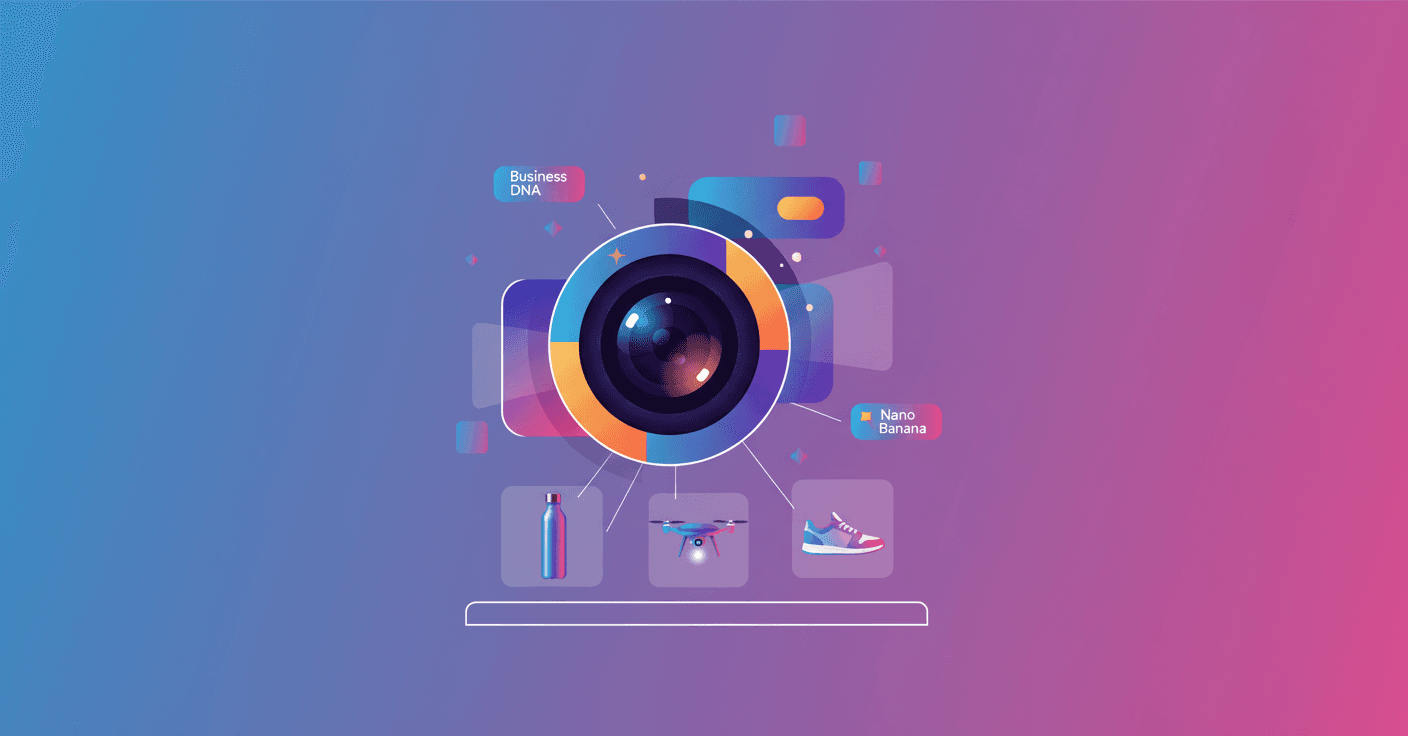
Google has added Photoshoot to Pomelli, its free Google Labs tool for creating marketing materials. The feature turns a simple product photo into a studio-style image, without hiring a photographer or setting up a professional scene.
It is aimed mainly at small and medium-sized businesses that need to publish content on social media and online stores but have limited time and budget. It can be used to showcase everything from handmade jewelry and coffee to yoga studio services.
How Photoshoot works
The process has four steps:
- Upload a product image, even if it is poorly lit or framed.
- Choose a template, such as a studio scene or a lifestyle composition.
- Pomelli generates the image using your business's visual identity.
- Adjust the result with final changes before downloading or saving it.
The tool uses each business's brand context, called Business DNA, along with the Nano Banana image generation model. This context helps keep colors, styles, and other visual elements consistent across different assets.
For example, a necklace store could upload a photo taken with a phone and generate an image ready for a campaign, with a more polished composition that matches the brand's usual look.
More control over images
The update also adds improvements that help image generation follow written instructions more precisely. You can also edit images with prompts such as changing the background to a forest.
Another option lets you use an image as a style reference. This means you can ask a photo to take on the visual appearance of another image without describing every detail in words.
Campaigns based on real products
Pomelli also aims to make campaigns more specific. You can now upload images directly into a campaign prompt to guide the result or enter a product URL.
Using that URL, the tool can draw on the page's images, title, and description to create promotional materials that are more closely related to what you sell. Instead of generating a generic campaign for a store, it could create a promotion focused on a specific necklace model or a new variety of coffee.
For you, the main change is practical: you can produce more visual assets without setting up a studio or starting every design from scratch. The generated images still need to be reviewed, especially when they include text, small details, or important product features.
Photoshoot points to where tools like this are heading: not just creating attractive images, but using a business's information to maintain a recognizable identity. The key question now is how accurately it preserves the real appearance of products and whether the results remain consistent across campaigns.