

Google AI Studio creates Android apps from your browser
Google AI Studio now supports creating native Android apps from the browser, with Kotlin, an integrated emulator and Google Play testing. It also adds Workspace connections, visual editing, a mobile app available for preregistration and two free deployments for new users.
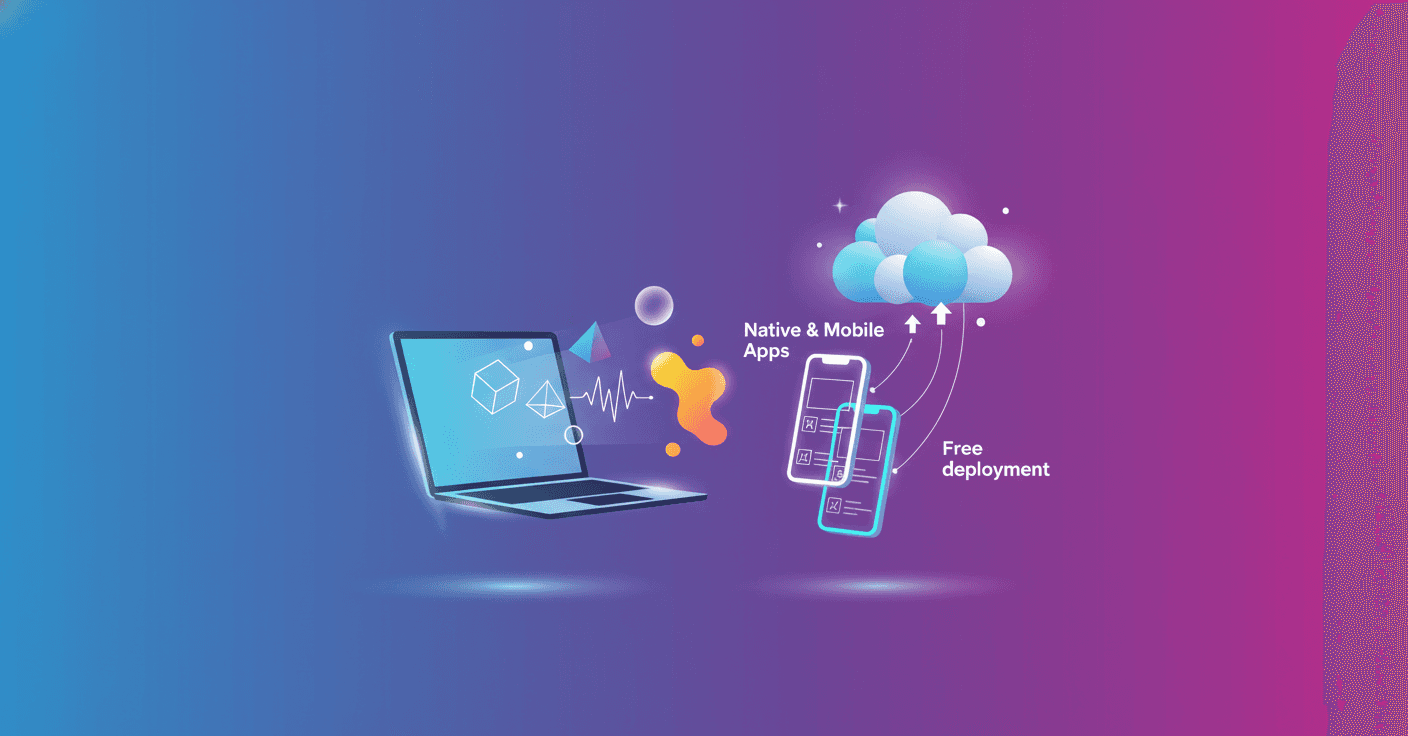
Google AI Studio now lets you create native Android applications from your browser, without installing the SDK, setting up a local environment or starting with deep development knowledge. The feature arrives alongside new tools for connecting Google data, designing interfaces and continuing projects from your phone.
The announcement was made at Google I/O 2026 as an expansion of AI Studio, Google’s platform for turning a written instruction into a working application. The idea is that you can describe what you want to build and review the result without jumping between several tools.
Create Android apps with an instruction
The creation tab now includes a “Build an Android app” option. From there, you can explain your idea in natural language, and AI Studio generates native Kotlin code, using Jetpack Compose to build the interface. Kotlin is Android’s main programming language.
It also includes tools for testing the application:
- An Android emulator that runs inside the browser.
- ADB support, the system that lets you install and debug apps on an Android device.
- A connection to a Google Play Developer account to send the app to Google Play’s internal testing track with one click.
In practice, you could describe an app for tracking expenses, generating a catalog or managing tasks, then see it running on a phone without preparing a development computer first. That does not remove the need to review the code, test edge cases or follow Google Play’s rules, but it significantly lowers the barrier to entry.
AI Studio connects with Workspace
Applications created in AI Studio can access Google Workspace services directly. This lets you create, for example:
- Dashboards that use Google Sheets data.
- Tools for organizing Drive files.
- Apps that work with documents and data a team already uses.
The advantage is that you do not need to leave AI Studio to build these prototypes. Data access will still depend on each service’s permissions and settings.
Google also lets you export a project to Google Antigravity to continue development locally. The export preserves the conversation history, project files and configured secrets, so you can keep working from another environment and collaborate with more people.
More control over the design
AI Studio’s creation agent can generate custom images with Nano Banana. Google presents this feature as a way to produce visual assets tailored to an interface or simulate specific use cases without relying on external placeholder images.
The new preview editor also lets you draw annotations directly on the application, modify components and request new visual elements while reviewing the result. The goal is to shorten the cycle between “this doesn’t look right” and a new version to test.
A mobile version is on the way
Google has opened preregistration for an AI Studio mobile app. The app will let you iterate on code, review versions and continue projects from your phone.
It will also include a gallery for reusing applications as starting points and let you share active deployments to get feedback. The proposal does not necessarily replace desktop work, but it does let you start an idea or make quick changes when you do not have a computer in front of you.
Two free apps to get started
New users can deploy their first two applications on Google Cloud at no cost and without entering a credit card. For projects that already have billing enabled, Google says the Cloud Run free tier will apply by default, subject to its terms and limits.
The important part of this announcement is not just that AI Studio generates more code. Google is trying to cover the entire journey, from an idea written in natural language to an Android app tested on a device and sent to a distribution channel. Now it remains to be seen how much additional work those first versions need before they are ready for real users.