

Gemini personalizes images with Google Photos and AI
Gemini combines `Nano Banana 2` with Google Photos and your preferences to create more personal images without making you describe every detail. The feature is rolling out first to eligible Google AI subscribers in the United States, while keeping connections to your apps optional.
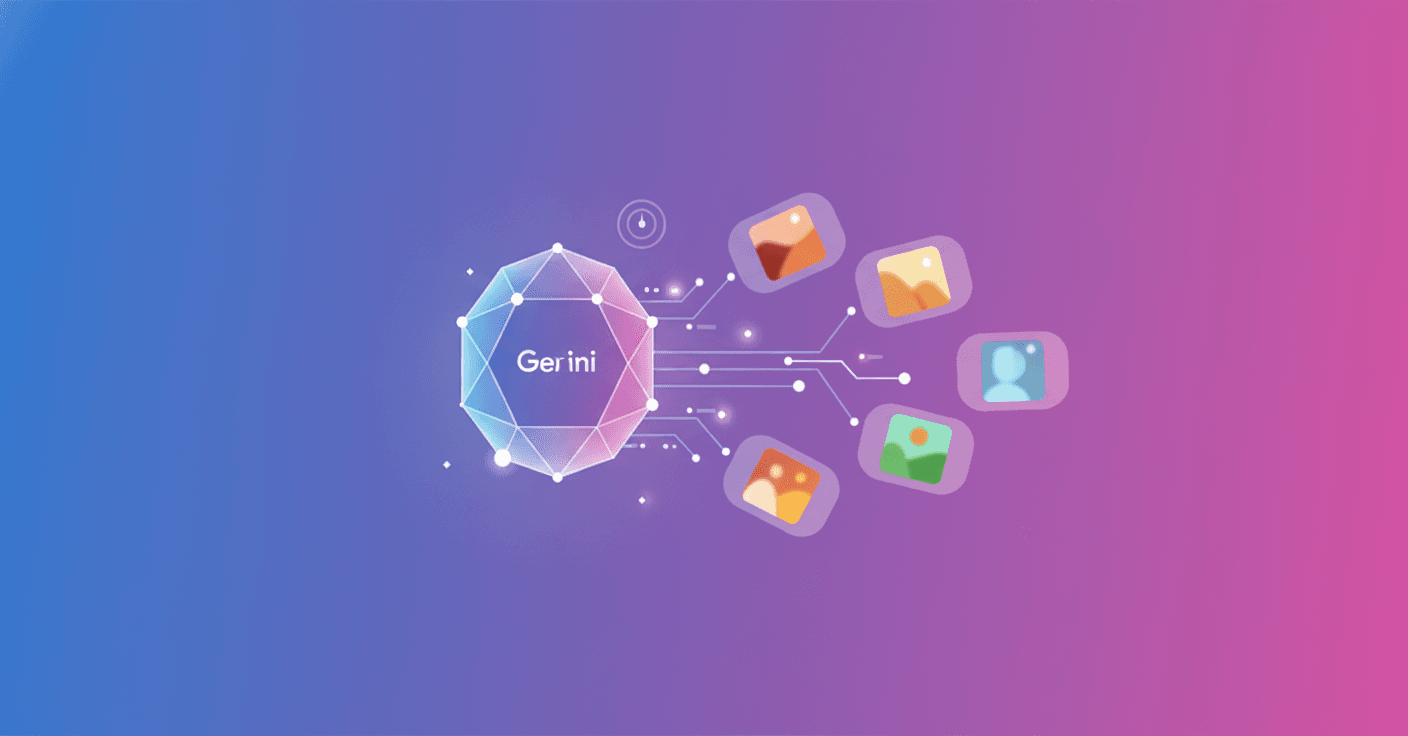
Gemini can now create personalized images using your interests, preferences and, if you authorize it, photos from Google Photos. The feature combines Gemini’s personal intelligence with Nano Banana 2, so you have to explain less and can move from idea to result faster.
Images that understand your context
Until now, creating a truly personal image required writing a detailed prompt and manually uploading a reference photo. With this update, Gemini can fill in some of that information using the Google apps you have connected.
So a request like “design my dream home” can take your tastes and lifestyle into account. You can also ask for something more specific, such as an image of the items you would take to a desert island, without describing every detail from scratch.
The feature relies on what Google calls Personal Intelligence, which adapts Gemini to each user. This does not mean the model automatically knows every aspect of your life. It uses the context available in the apps you have linked, and only if you choose to enable that connection.
Your family can appear too
The integration with Google Photos allows Gemini to use images of people and pets from your library as references. To do this, it uses the labels and groups you have already organized in Photos.
For example, you can ask it to create an image of you and your family doing your favorite activity. Gemini can turn that scene into different styles:
- A claymation animation
- A watercolor
- A charcoal drawing
- An oil painting
The goal is to avoid searching for a photo, downloading it and uploading it again every time you want to try out a concept.
You decide which reference it uses
The system may choose the wrong photo or interpret a detail incorrectly. If the result is not what you expected, you can correct it by writing what should change or tapping the + icon to select another image from Google Photos.
You can also open the Sources button to check which image was used as a reference. Gemini lets you ask directly about the attribution and sources used in that creation.
What happens to your privacy
Google says the Gemini app does not directly train its models on your private Google Photos library. The company may use limited information, such as certain prompts and model responses, to improve how the service works over time.
Connecting Google Photos and other apps remains optional. You can enable or disable that access in Gemini’s settings, so the feature does not change the permissions you already have configured on its own.
Personalized image creation is rolling out over the next few days to eligible Google AI Plus, Pro and Ultra subscribers in the United States. Google also plans to bring it to Gemini in Chrome for computers and to more users soon.
The important shift is that Gemini is starting to move from generating images based on general instructions to working with personal references. The next thing to watch is how much control it gives you over that data: the more personal the image, the more important it becomes to know exactly what information the system used and how you can correct it.