Gemini Live launches Guided Vision for accessibility
Google is rolling out Guided Vision in Gemini Live for Android, a feature that uses the camera to describe your surroundings and answer spoken questions about objects, text and spaces. It is designed for people who are blind or have low vision, but it can also help with reading small print and completing everyday tasks.
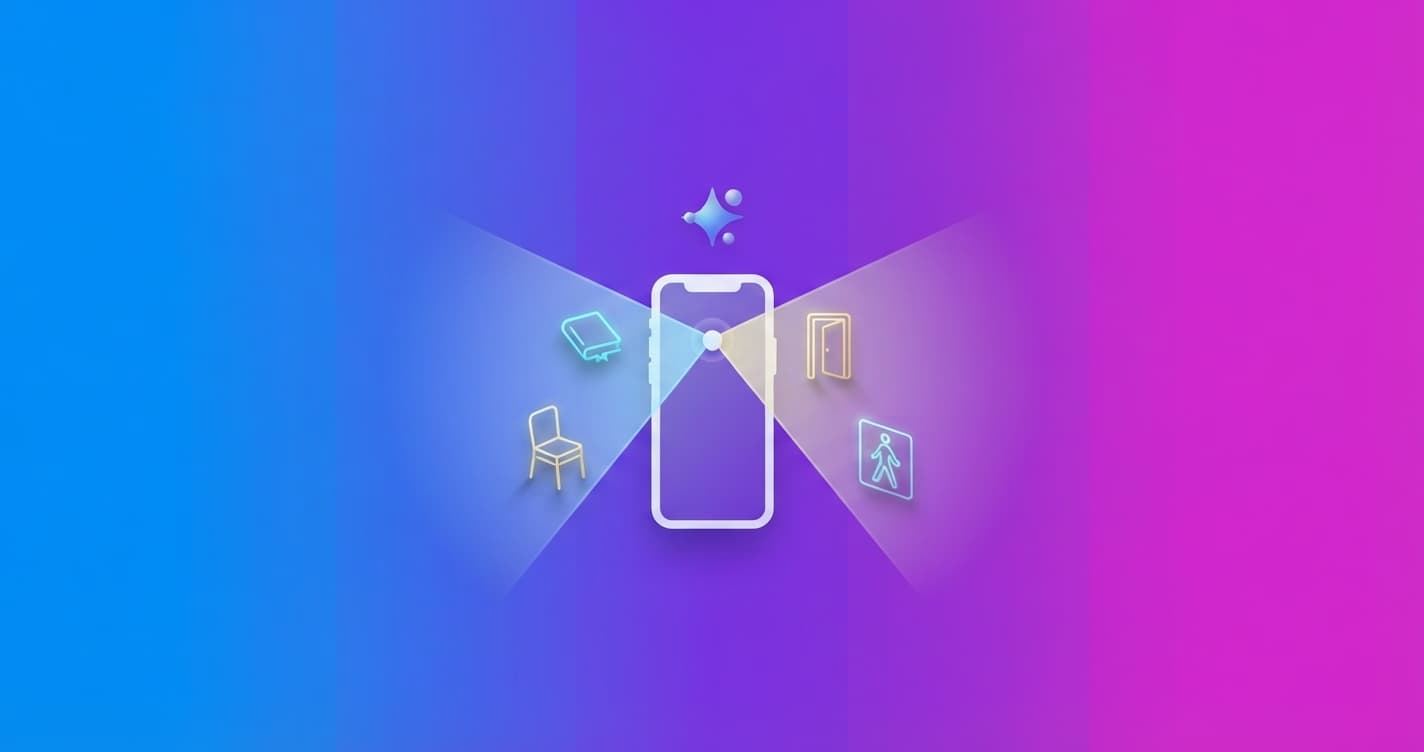
Google is rolling out Guided Vision in Gemini Live for compatible Android devices. The feature turns your phone’s camera into a conversational visual aid that can describe what is in front of you, answer questions and give you spoken instructions to frame the scene more clearly.
It is primarily designed for people who are blind or have low vision, but it can also help anyone who needs to read small print, identify an object or quickly understand an unfamiliar space.
A conversation with your camera
To use it, share your camera during a Gemini Live session and activate Guided Vision. Gemini can describe your surroundings and hold a conversation about what it sees. It also accepts follow-up questions, such as asking for the color of a piece of clothing, locating a specific object or reading small text.
The feature does not just analyze a still image. If the camera is too high, too close or pointing slightly to one side, Gemini can ask you to move it: turn slowly to the right, tilt the phone downward or step back to get a clearer view.
That makes it useful in everyday situations, for example:
- Reading nutrition labels, menus, instructions or the controls on a washing machine.
- Finding earbuds that have fallen on the floor or locating a spice inside a cabinet.
- Comparing colors, shapes and patterns to see whether a shirt goes with a pair of trousers.
- Getting a general description of a room, a table or an unfamiliar place.
- Checking information in multiple languages through a spoken conversation.
Google also says Guided Vision can be useful for older people, users with low literacy or anyone trying to read small text in low light.
Developed with the accessibility community
Google worked with Aira, an organization specializing in visual assistance, to train Gemini Live with tens of thousands of hours of visual interpretations. More than 1,000 members of Aira’s Trusted Tester network tried the feature in their daily routines and helped identify problems.
Aira specialists also worked with Google teams to define and evaluate safety measures. Testing included communities of people who are blind or have low vision in India, Brazil, Singapore, Indonesia, Japan and other countries, with the goal of improving descriptions, instructions for repositioning the camera and responses in different languages.
How to activate Guided Vision on Android
The feature is available on devices running Android 9 or later, in the regions and languages where Gemini Live works. You need to update both the Gemini app and the Android system.
You can activate it in several ways:
- In the Gemini app, open your profile settings and turn on
Use Guided Vision in Live. Then open Gemini Live and tap the button to share your camera. - On Android, go to Settings > Accessibility > Visual assistance > Guided Vision to set up a shortcut using the floating button, a two-finger gesture or both volume keys.
- If you use TalkBack, open its menu with a three-finger tap and select Guided Vision.
There is one important limitation: Guided Vision can make mistakes. Google says it is an assistive tool, not a medical device, a white cane or a mobility aid. It is not designed to help you navigate, detect obstacles or give safe travel instructions. When moving through physical environments, you should continue using your usual aids and established safety practices.
The important point is that your phone’s camera can now work as an accessible aid for specific tasks, not as a replacement for mobility tools. You should monitor how it responds in real-world situations and remember that an AI-generated description needs to be verified whenever a mistake could have consequences.