

Gemini expands its AI app with Mac and music
Google introduces new Gemini features, including a native Mac app, music creation of up to three minutes and tools for organizing projects, personalizing images and visualizing complex concepts. Personal Intelligence is also beginning its global expansion through connections with Google apps.
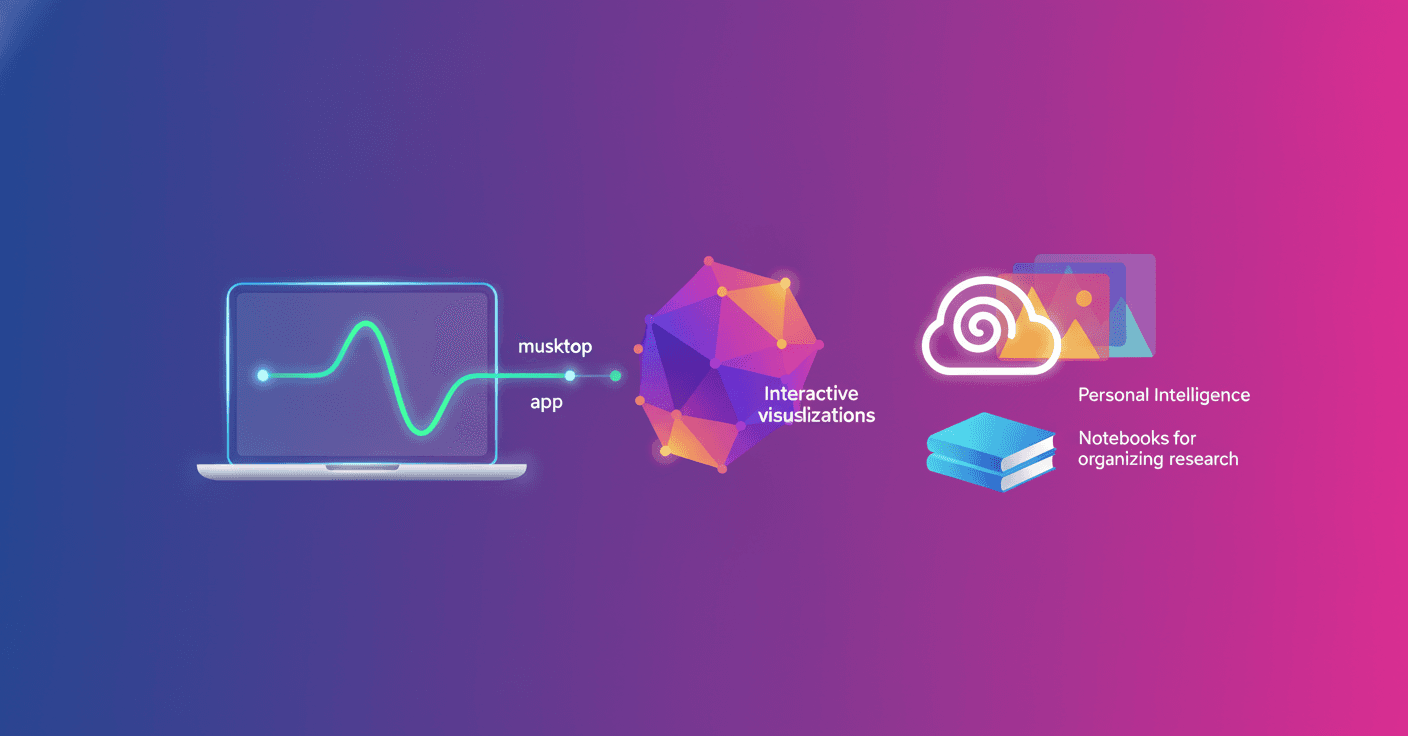
Google has introduced the tenth edition of Gemini Drops with new ways to use Gemini more personally, from the Mac desktop and for creating music. The update makes the app feel more like an integrated assistant than a simple chat.
More personal images
The Gemini app makes it easier to personalize images using Personal Intelligence and Nano Banana, Google's system for generating and editing images. The idea is to help you create results that reflect your interests, style and aspects of your life.
For example, an image generated for an invitation, a decorating idea or a personal project can better match your preferences instead of always starting with a generic result. Google emphasizes that you remain in control of this personalization.
Gemini connects to your apps
Personal Intelligence is also beginning its global expansion. By connecting your favorite Google apps, Gemini can provide answers that better fit your context and help you use information you already have in those services.
That can be useful for tasks such as organizing information, drafting a response or retrieving data related to your own documents and activities. Its usefulness will depend on which apps you connect and the permissions you grant.
The update also adds Notebooks, a way to organize projects, conversations and research within Gemini with help from NotebookLM. Instead of leaving each chat isolated, you can bring related material together in one space for a project or topic.
A native Mac app
Gemini is now available on Mac through a native macOS app. This lets you access the AI directly from the desktop without relying solely on the browser.
The practical difference is simple: you can open Gemini more quickly while working with other apps and ask for help from your computer. If you use a Mac as your main tool, Gemini fits more naturally into your daily routine.
Music up to three minutes long
Another new feature lets you create up to three minutes of music tracks for free with Lyria 3 Pro, Google's model for music generation. You can also mix and customize the sound with more control.
This makes it possible to create a musical backing track for a video, a piece for a presentation or a composition to experiment with, without needing to know how to produce music. The feature does not turn Gemini into a professional studio, but it does lower the barrier to entry considerably.
Visual and interactive explanations
Gemini can also turn complex questions into interactive visualizations within the chat itself. The goal is to make difficult concepts easier and faster to explore.
In practice, a question about science, mathematics or any topic with many relationships can receive a visual representation instead of an explanation made up only of text.
The pattern in this tenth update is clear: Google is bringing Gemini into more parts of your digital life, from your Mac to your files, images and projects. What matters now is seeing which features reach each country and how much control users retain over the data they connect to the app.