

Gemini Deep Research connects Gmail, Drive, and Chat
Gemini Deep Research can now use information from Gmail, Drive, and Google Chat, along with internet sources, to create reports tailored to each user’s context. The feature is available on desktop to all Gemini users and will reach mobile devices in the coming days.
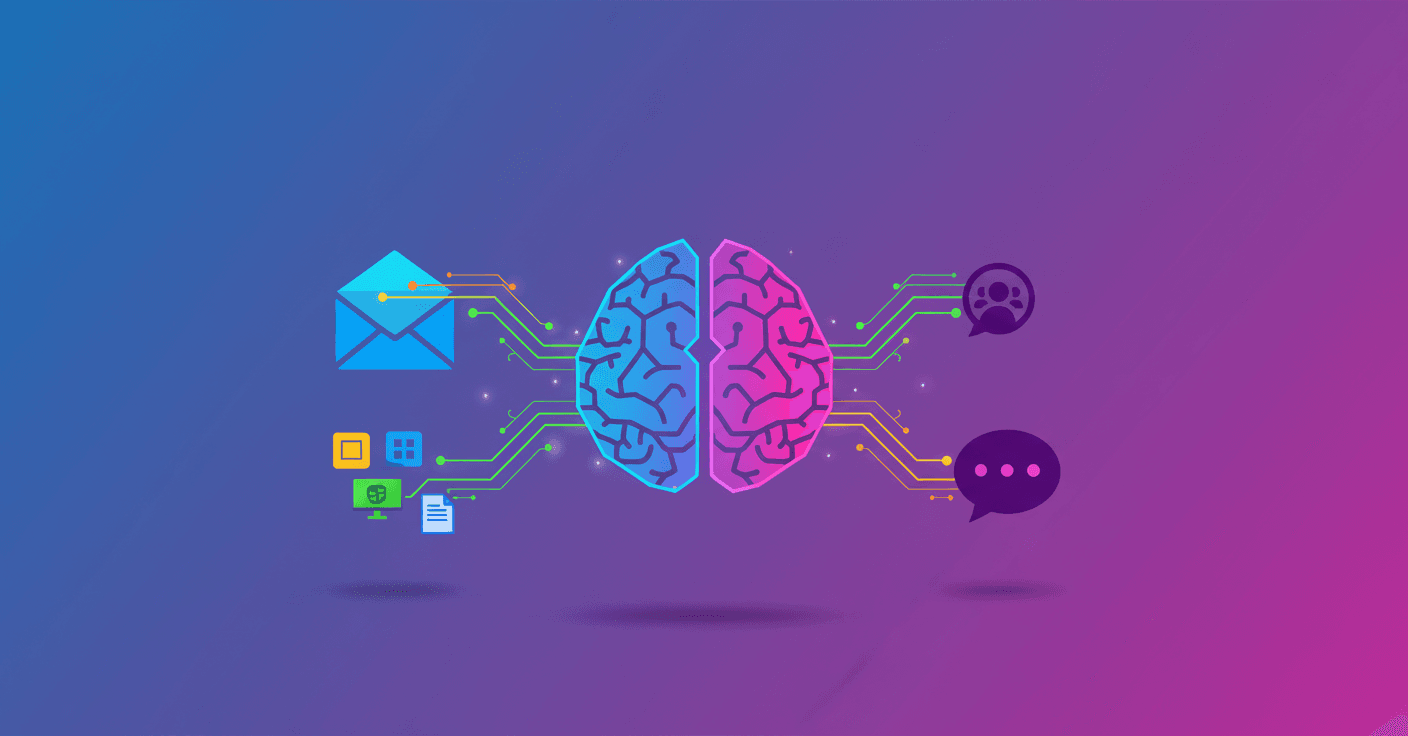
Gemini Deep Research can now access your Gmail, Google Drive, and Google Chat to prepare reports using internal information and web data. The feature is available to all Gemini users on desktop and will reach mobile devices in the coming days.
Until now, Deep Research could gather public information from the internet. With this update, it can also work with the context you have stored in Google services, including Docs, Slides, Sheets, and PDF files saved in Drive.
What you can do with this integration
For example, you can ask for a market analysis for a new product and have it review:
- Documents containing the team’s initial ideas.
- Emails related to the project.
- Work plans and spreadsheets.
- Relevant conversations in Google Chat.
- Public information available on the internet.
The result is a report that combines external sources with the material your team already uses. You can also create a competitive analysis that compares public data about another company with your own strategies, benchmarks, and internal conversations.
The difference is context. A report based only on the web can explain what a competitor does. One that also checks your documents and messages can compare it with your plans, identify differences, and organize the information around your situation.
How to use it
In the desktop version of Gemini, open the Tools menu and select Deep Research. Then choose the sources you want it to use, such as Gmail, Drive, Chat, or the web.
The tool does not automatically turn all your content into a report. You decide which services and sources to connect for each investigation, and the quality of the result will depend on whether the available information is organized and relevant.
For you, this reduces the work of manually gathering emails, documents, and conversations before starting an analysis. Gemini can search through and connect that material, while you review the report and check that its conclusions match the original data.
The integration also signals a shift in how AI assistants are used: they are moving beyond general information and starting to respond with each person’s or team’s context. What you should watch now is how it presents internal sources and keeps data from different projects separate before relying on its reports to make decisions.