

Gemini connects your apps with personalized AI
Gemini is launching Personal Intelligence in beta for Google AI Pro and AI Ultra subscribers in the United States. The feature connects Gmail, Google Photos, YouTube, and Search to answer using personal information, with privacy controls and the possibility of misinterpreting context.
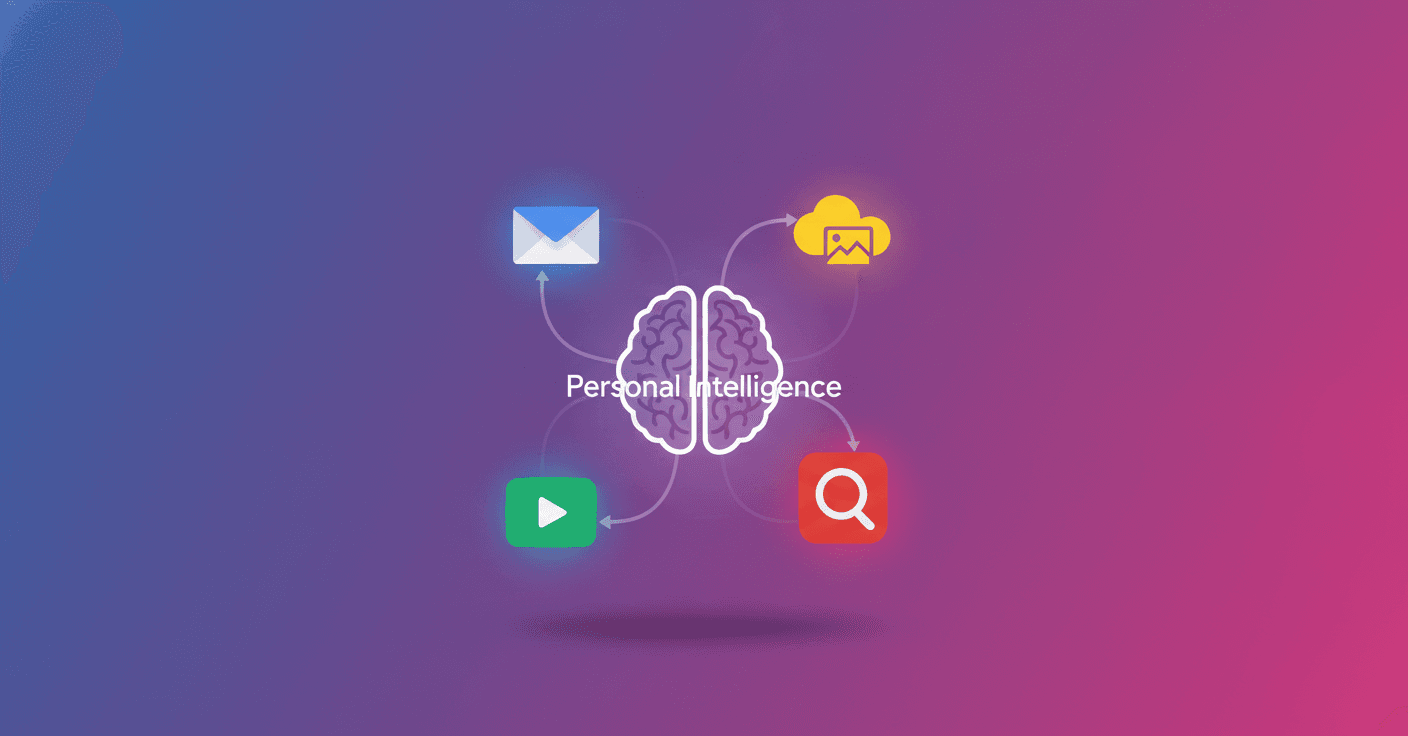
Gemini can now use information from your Google apps to give you more personalized answers. The feature, called Personal Intelligence, is rolling out in beta in the United States and lets you connect Gmail, Google Photos, YouTube, and Search with a single tap.
Access will begin rolling out over the course of a week to Google AI Pro and AI Ultra subscribers with personal accounts. It works on the web, Android, and iOS, and can be used with all the models available in Gemini's model selector.
What Gemini can do with your data
The feature combines information from different sources to answer questions that a regular chatbot could not resolve with the same level of context. It can find a specific detail in an email or photo, and it can also connect text, images, and videos to provide an answer that better fits your situation.
Google gives a practical example: someone asks about the tire size for their 2019 Honda Odyssey. Gemini looks up the information, suggests options for daily driving or all-weather use, and relates them to family trips shown in Google Photos. It then finds the license plate in an image and uses Gmail to identify the vehicle's exact version.
It can also help with less urgent tasks, such as recommending books, clothes, shows, or trips. If it analyzes your interests and past travels, it could suggest a vacation plan that suits you better instead of offering a generic list of destinations.
The difference is that Gemini is not just searching the internet for information. It is trying to understand how that information fits into your life.
You decide which apps to connect
Personal Intelligence is turned off by default. To use it, you have to turn it on and choose which apps you want to link. You can disconnect them or delete your chat history at any time.
Gemini will also try to indicate where each answer comes from so you can check it. If it gets something wrong, you can correct it directly, for example: “I don't like golf.” You can also regenerate an answer without personalization or use a temporary chat without the feature.
Google says Gemini does not directly use your Gmail inbox or Google Photos library to train the model. According to the company, that data is consulted to answer a specific request. Training may use limited information, such as prompts and responses, after measures are applied to filter or hide personal data.
The risk: connecting things that have nothing to do with each other
The feature is still in beta and can make mistakes. One problem Google acknowledges is overpersonalization, which happens when the model links topics that are not actually connected.
For example, it might assume you like golf because you appear in lots of photos playing it, even though you only went along to support your child. It may also struggle to interpret changes in your relationships or interests, or to determine the right time to make a suggestion.
That is why personalized answers should not be treated as a perfect reading of your life. It is worth checking where each detail comes from and correcting Gemini when it reaches the wrong conclusion.
How to try it
If you have an eligible account in the United States, you can look for the invitation on Gemini's home screen or turn it on from:
- Open Gemini and go to Settings.
- Tap Personal Intelligence.
- Select Connected Apps and choose Gmail, Photos, or other apps.
The feature is not yet available for business, education, or enterprise Workspace accounts. Google plans to expand it to more countries and, over time, to the free tier. It will also arrive soon in AI Mode in Search.
The important change is the shift in how Gemini works: it is no longer just a tool that answers with general knowledge and is starting to act more like an assistant with contextual memory. That could save you searches and steps, but it also makes it more important to review what you connect, which data it uses, and when an inference from the model does not actually reflect your preferences.