

Gemini API adds AI-powered file controls
Google is adding segmentation controls to the Gemini API so it can analyze only the pages, cells, layers, or audio and video segments needed. The update also adds native uploads for Microsoft Office and OpenDocument formats, with token billing limited to the content inspected.
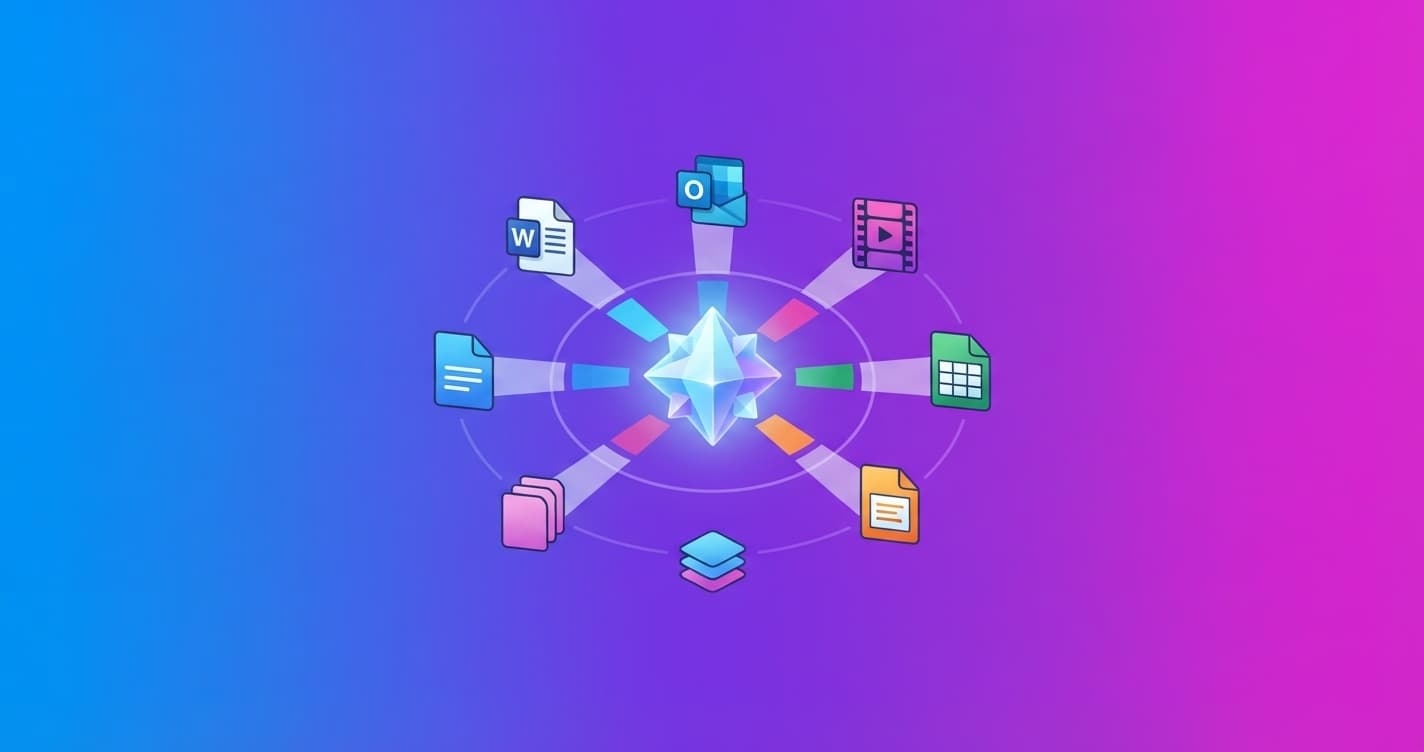
Google has added file segmentation controls to the Gemini API, allowing models to analyze only the pages, cells, layers, or audio and video segments they need. The feature also adds native uploads for Microsoft Office and OpenDocument files.
The idea is simple: instead of sending an entire PDF, a full spreadsheet, or a recording lasting several hours, you can tell Gemini which part to review. This keeps the context focused and ensures token billing applies only to what the model inspects.
Which files Gemini can analyze
The feature is available across all Gemini 4 models and retains the current size and page limits for uploaded files. The controls vary by content type:
- Documents and presentations: you can choose a page range, the resolution, and the layers to analyze, such as page text or images. It supports PDF, Office, and OpenDocument formats.
- Spreadsheets: you can select a tab, a cell range, and the layers that matter: data, formulas, or visual elements. It supports
.xlsx,.xls, and.ods. - Video: you can trim a time range, adjust the frames per second, and choose between transcription, images, or audio.
- Audio: you can send only the relevant time segment.
If you do not specify processing options, documents and presentations are interpreted by default as page images that preserve the layout. For spreadsheets, Gemini includes calculated values, formulas, and tab names.
A practical example: search first, then zoom in
Imagine an 80-page quarterly report. You can upload it once through the Files API and ask Gemini to review it as text to locate where a particular chart appears.
When it finds the relevant page, you reuse the same file URI and request a high-resolution analysis of that page only. This lets the model read the chart and its footnotes without processing the entire document again at the highest level of detail.
The same approach works in other situations: reviewing only the rows in a spreadsheet, analyzing a specific minute of a video call, or studying the frames from a product demonstration.
Less work for applications
Until now, an application that wanted to do something similar had to prepare the files itself. That could involve running a PDF reader, opening documents with LibreOffice, or extracting video frames with ffmpeg before sending them to the model.
With this update, the application uploads the file once and passes its URI to Gemini, either in a normal turn or as part of a function response. Google processes, trims, and converts the content on its servers, so development teams do not have to maintain local environments for each user.
For you, the change will be most noticeable in tools that work with complex documents: report assistants, financial analysis, contract review, or search across recordings. The next thing to watch is how much teams actually save in production, since the benefit depends on which parts of the file each application requests and what resolution it uses.