

Gemini 3 Flash gains a vision system that investigates images
Gemini 3 Flash adds Agentic Vision, a capability that lets it enlarge, crop, annotate, and analyze images with code before responding. Google says it delivers an average improvement of 5% to 10% across most vision tests, and it is already available in its developer tools.
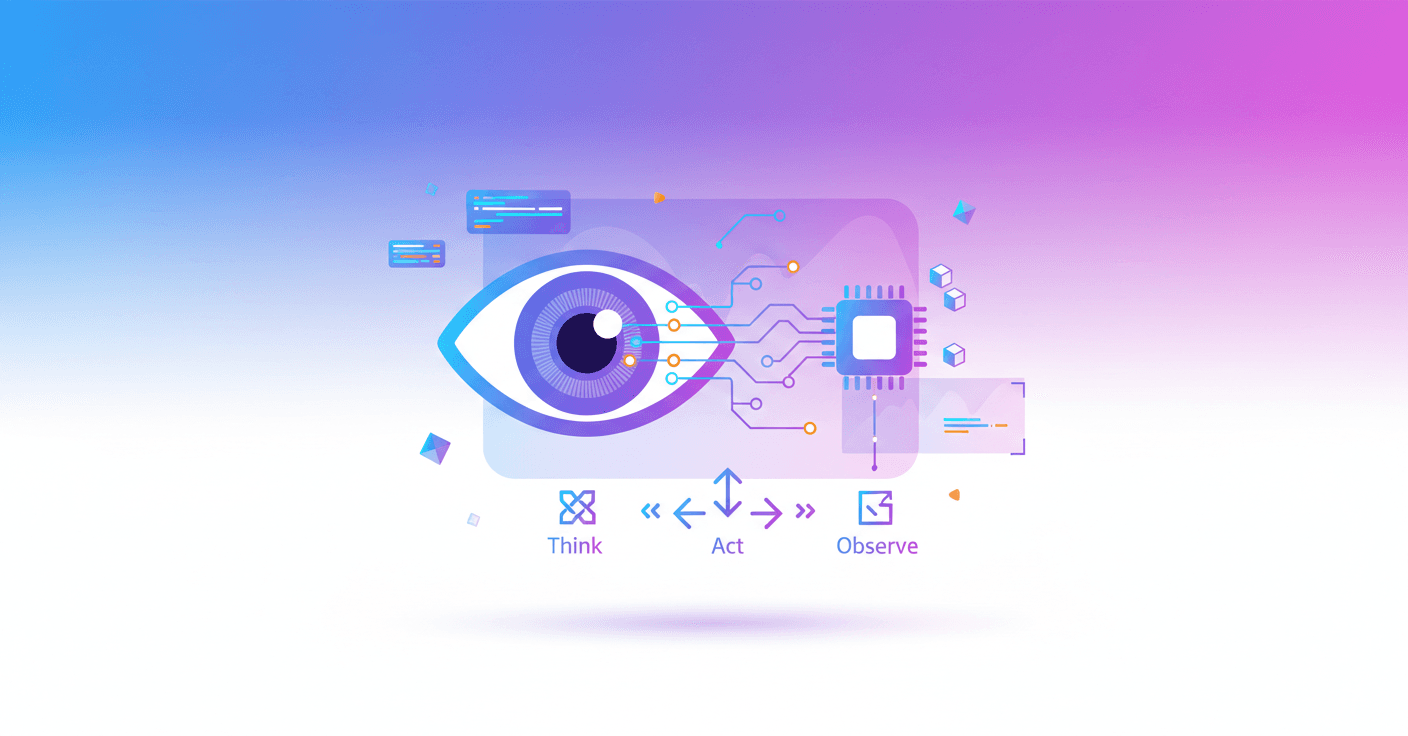
Gemini 3 Flash no longer has to settle for looking at an image just once. It can now zoom in, crop areas, rotate images, mark objects, and run calculations to check what it is seeing.
Google calls this capability Agentic Vision. It is available through the Gemini API in Google AI Studio and Vertex AI, and is starting to roll out to the Gemini app with Thinking mode.
From looking at an image to investigating it
AI models usually analyze an image statically. If a serial number is too small or a sign is far away, the model may miss it and end up guessing.
Agentic Vision turns that process into a step-by-step investigation. Gemini 3 Flash first analyzes the question and the image, decides what it needs to check, and uses code execution to modify the image or calculate data before responding.
The process follows a simple cycle:
- Think: the model interprets the request and prepares a plan.
- Act: it generates and runs Python code to crop, rotate, annotate, or analyze the image.
- Observe: it adds the new version of the image to its context and examines it again with more information.
The model does more than describe what it sees. It can create a kind of visual draft to check its own reasoning.
What it can do in practice
One of the clearest applications is inspecting small details. Gemini 3 Flash can detect that it needs to enlarge a specific part of an image, crop it, and analyze it again.
PlanCheckSolver.com, a platform that validates construction plans, says it improved its accuracy by 5% after enabling code execution. The model reviews specific areas, such as roof edges or sections of a plan, and uses those crops to check compliance with building codes.
It can also annotate the image directly. In one demonstration, Gemini receives a photo of a hand and has to count the fingers. To reduce errors, it generates code that draws boxes and numbered labels over each identified finger.
This method does not guarantee that the AI will never make a mistake, but it makes the answer rely on visible, verifiable elements instead of just a general impression.
Fewer back-of-the-envelope calculations
The capability also works with tables, charts, and visual data. Gemini can extract values from a table, run operations in Python, and create a visualization with tools such as Matplotlib.
That matters because language models can make mistakes when carrying out calculations with multiple steps. Here, the calculation is delegated to a deterministic environment that follows specific mathematical instructions instead of trying to solve them through text prediction.
Google says enabling code execution provides an average improvement of between 5% and 10% across most vision tests. The figure comes from benchmarks, not a guaranteed improvement for every image or application.
What changes for you
If you use Gemini to analyze documents, plans, screenshots, or photos with small details, the AI can spend more steps reviewing the information before answering. For a developer, this opens up applications such as:
- Automatically checking specific elements in a plan.
- Counting and locating objects in an image.
- Reading dense tables and turning them into charts.
- Visually checking an answer through crops and annotations.
For now, not all of these behaviors activate on their own. Gemini 3 Flash implicitly decides when to zoom in, but some actions, such as rotating an image or performing visual calculations, may still require an explicit instruction.
Agentic Vision is available through the Gemini API, Google AI Studio, and Vertex AI. In AI Studio, you can try it by enabling Code Execution under the tools. Google is also working on adding web search and reverse image search, as well as bringing the capability to other model sizes.
The direction is clear: AI vision is moving beyond a snapshot and becoming more like a guided inspection. The next point to watch is how much of this process the model can handle on its own, and when it will still need you to tell it exactly what to review.