

Claude creates and edits files from the chat
Claude can now create and edit spreadsheets, documents, presentations and PDFs based on your instructions and the files you upload. The feature automates analysis and repetitive tasks, but you should review its results and handle sensitive data carefully.
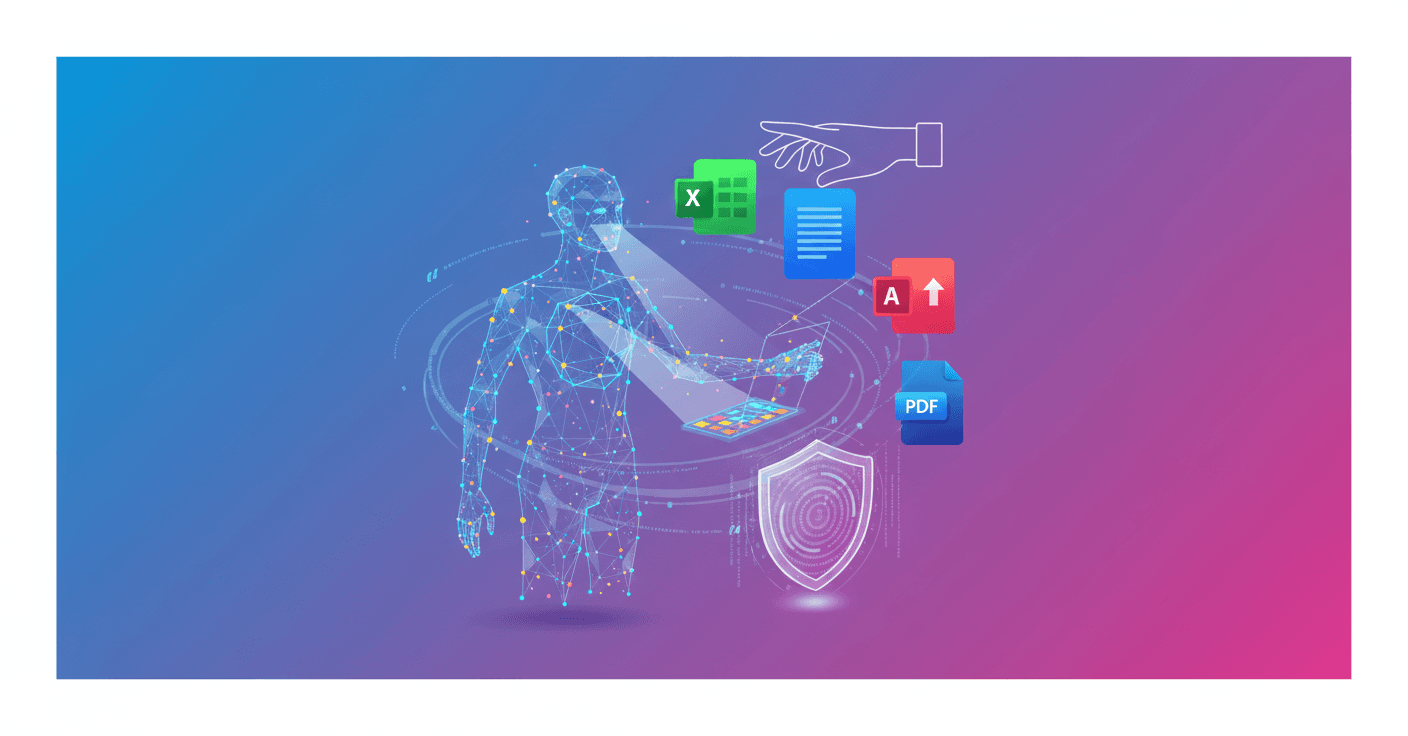
Claude can now create and edit Excel spreadsheets, documents, PowerPoint presentations and PDFs directly from Claude.ai and its desktop app. Instead of limiting itself to text responses, the assistant can return a ready-to-use file based on your instructions and the data you upload.
The feature lets you work with real information, not just generate examples. You can upload a report, spreadsheet or meeting notes and ask Claude to convert them into another format, analyze them or complete them.
What Claude can do with your files
Among the uses announced by Anthropic are:
- Clean up data and turn it into analysis with statistics, charts and explanations.
- Create spreadsheets with formulas, multiple tabs and automated dashboards.
- Build financial models with scenarios, budgets and variance calculations.
- Turn a PDF report into a PowerPoint presentation.
- Convert meeting notes into a formatted document.
- Organize invoices in a spreadsheet with calculations already prepared.
For example, you can upload quarterly sales data and ask for an analysis of customer segments. Claude can process the information, prepare charts and deliver a document with the main findings, without requiring you to program or build the formulas manually.
Claude works in a private computer environment
To generate these files, Claude has access to a private computing environment where it can write code and run programs. This process happens behind the conversation: you describe the result you need and the system handles the technical work.
The practical difference is significant. Claude is no longer just a tool for looking up information. It can take on complete tasks, such as preparing a budget, analyzing data or generating a presentation from existing material.
File creation launched as a preview for the Max, Team and Enterprise plans, with access for Pro users expected in the following weeks. Anthropic later said the feature would become generally available to paid plans, along with new controls to limit network connections.
What this changes for you
If you work with documents, data or presentations, you can save much of the repetitive work. You do not need to know how to code to request a spreadsheet with formulas or turn a long report into slides.
Even so, you should review the result. An incorrect formula, a misinterpreted data point or an overly confident conclusion can go unnoticed if you download the file and take it at face value. The feature speeds up preparation, but it does not remove the need to check the content.
To get started, enable “Upgraded file creation and analysis” under Settings > Features > Experimental, upload the necessary files and guide the process from the chat. You can then download the result or save it directly to Google Drive.
Anthropic also warns that this feature uses internet access to create and analyze files, which can increase the risks for the data you share. Avoid sensitive information when it is not essential, and monitor the conversation while Claude works.
The broader signal is clear: AI assistants are moving from writing responses to producing deliverables that previously required several tools and hours of work. The key question now is how reliable those files will be when tasks become more complex and the data more sensitive.