

Claude Connects AI to Creative Tools
Anthropic has introduced connectors that let you use Claude alongside Blender, Adobe, Autodesk, Ableton, Splice and other creative tools. The AI can explain features, write scripts, automate tasks and connect different stages of a project while creative professionals retain control.
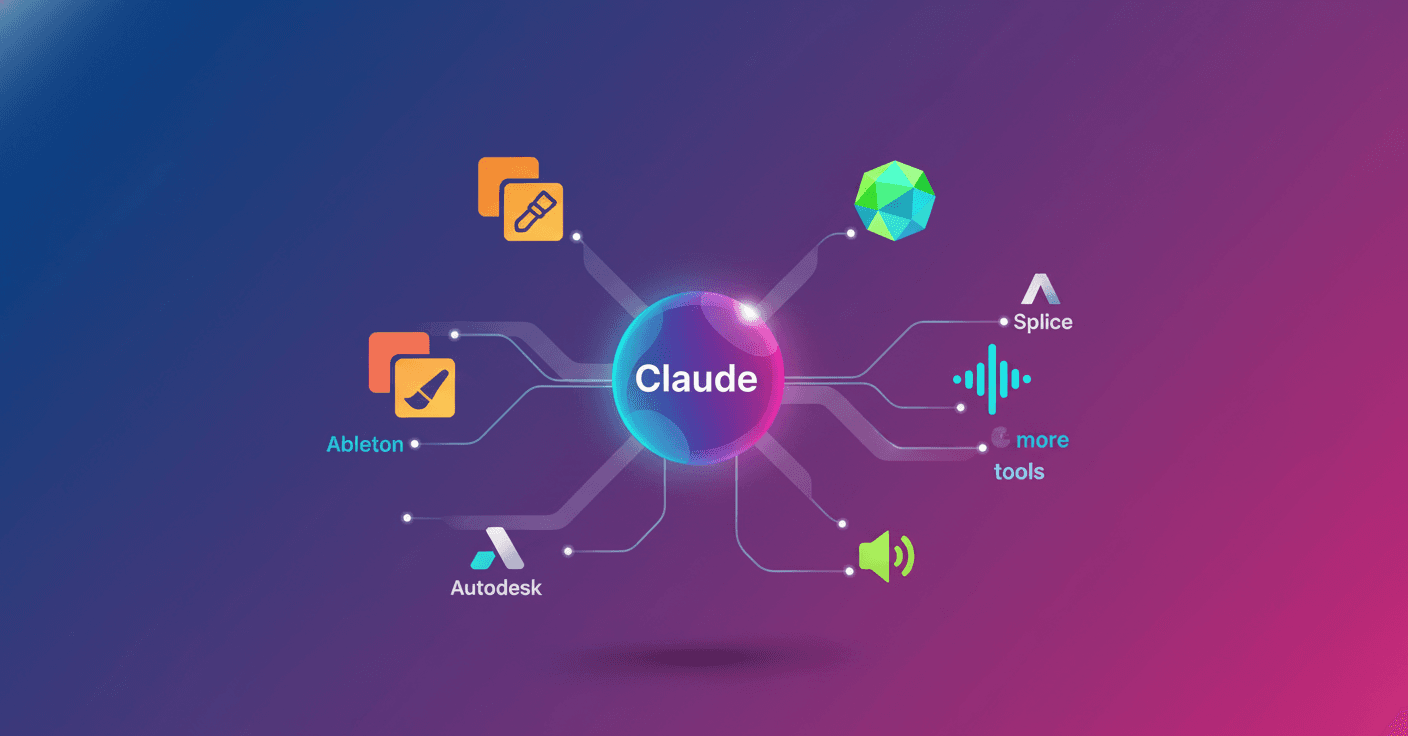
Anthropic is bringing Claude directly into the tools used by designers, artists, musicians and 3D professionals. The company has introduced new connectors for working alongside Blender, Autodesk, Adobe, Ableton, Splice and other platforms, without forcing creative professionals to change their environment.
The connectors let Claude access external applications and services from a conversation. In practice, you can ask it to prepare a 3D model, automate tasks in an image, find sounds for a song or explain how a specific tool works.
What Claude can do in these applications
Anthropic has announced connectors for eight tools and platforms:
- Ableton: answers questions using the official documentation for Live and Push, helping users learn music production features and techniques.
- Adobe: works with images, videos and designs through more than 50 Creative Cloud tools, including Photoshop, Premiere and Express.
- Affinity by Canva: automates tasks such as adjusting many images, renaming layers or exporting files in batches.
- Autodesk Fusion: lets users create and modify 3D models through conversations with Claude, for users with a Fusion subscription.
- Blender: provides a natural-language interface for Blender's Python API, while also helping users understand complex scenes and documentation.
- Resolume Arena and Wire: enables real-time control of tools for live visuals and audiovisual productions.
- SketchUp: turns a description, such as a room or a piece of furniture, into a starting point that you can then adjust in SketchUp.
- Splice: lets you search for royalty-free music samples within Claude.
The idea is not for Claude to decide what a professional should create. Anthropic presents it as a way to speed up exploration, expand the skills available and reduce repetitive work. Visual judgment, taste and intent still depend on the person.
From learning one tool to connecting the entire process
Claude can work as an on-demand tutor. It can explain a modifier chain in Blender, show you how to use an unfamiliar feature or guide you through a music synthesis technique.
It can also write reusable code through Claude Code. For example, it can generate a script to apply changes to hundreds of objects, create a procedural animation, build a custom shader or produce parametric models.
Another possibility is connecting several stages of a project. Claude can translate formats, reorganize data and keep assets synchronized across design, audio and 3D applications. That reduces manual handoffs, which often consume time and cause errors.
Anthropic is also introducing Claude Design, a product from Anthropic Labs for exploring interface and software experience ideas. Claude can propose options, visualize them and modify them according to the user's instructions. Exporting starts with Canva.
The Blender case
Blender stands out because it is a free, open-source tool used in indie games, motion graphics, architecture and film.
Its developers have created a connector based on MCP, a standard that allows AI models to communicate with external applications. With it, an artist can ask Claude to analyze an entire scene, detect problems or create a script to apply changes to multiple objects.
The connector can also add new tools inside Blender through its Python API. And because it is based on MCP, it is not limited to Claude: other language models can use it too. Anthropic has also joined the Blender Development Fund as a sponsor.
What changes for you
If you work with these applications, the main change is less about talking to an AI and more about letting AI act within your workflow. You can move from describing a task to getting a script, a search, a draft or a series of changes ready for review.
That does not remove the need to check the results. A file modified incorrectly, a faulty 3D model or a sample with unsuitable restrictions are still real problems. The advantage appears when Claude handles the mechanical work while you keep control over the important decisions.
Anthropic is also testing these connectors with students and teachers from three art and design programs at Rhode Island School of Design, Ringling College of Art and Design and Goldsmiths, University of London. Their feedback will help refine the tools and expand the program to more institutions.
The next step will be finding out whether these integrations save time on real projects without introducing new errors or complicating workflows. The direction is clear: AI is no longer a separate window and is beginning to become a layer that connects the creative tools you already use.