

Anthropic introduces Claude Skills to customize AI
Anthropic introduces Skills, folders containing instructions, resources, and code that let you customize Claude for specific tasks. They activate automatically and work across its apps, Claude Code, and the API, although their ability to run code makes it important to use trusted sources.
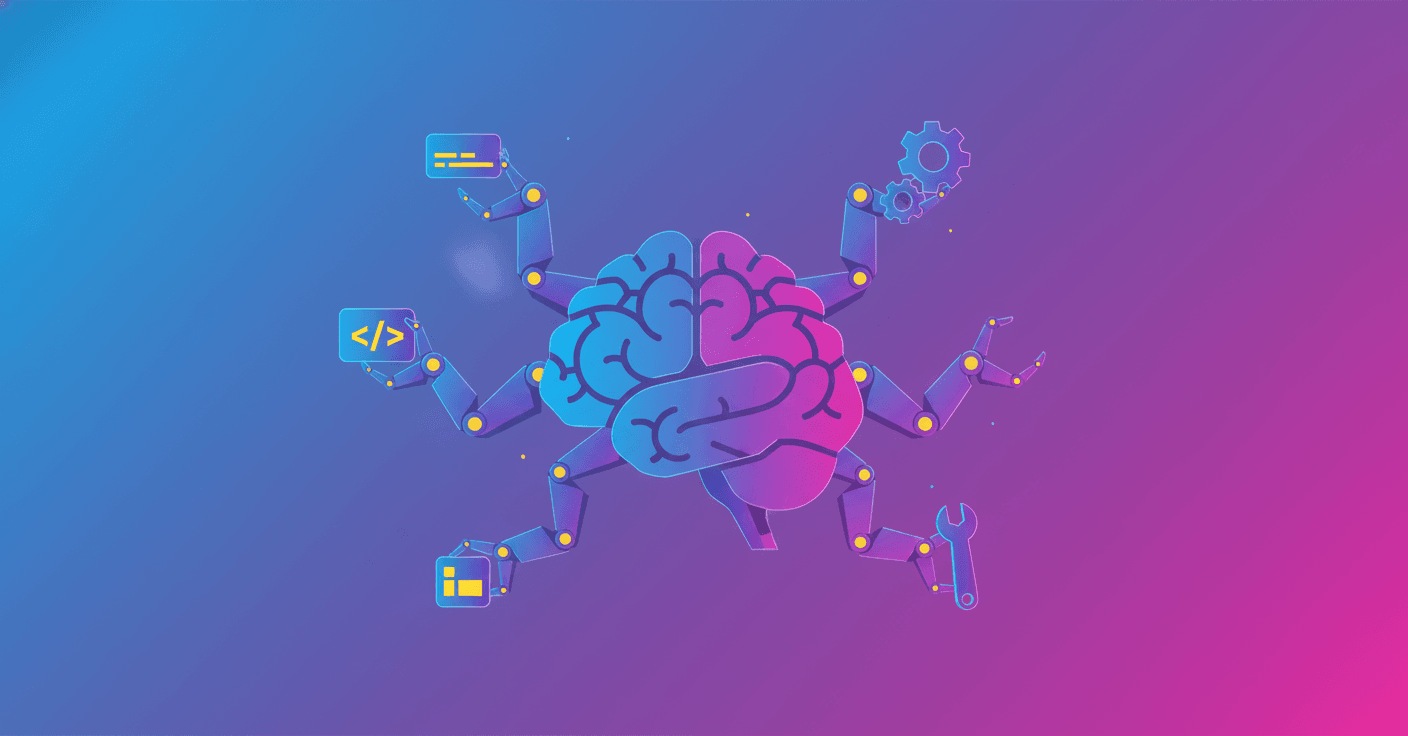
Anthropic has added Skills to Claude, giving you a way to teach it how to work according to your usual processes, rules, and tools. Skills are folders containing instructions, resources, and scripts that Claude loads automatically when it detects they could help with a task.
The idea is simple: instead of telling Claude how to prepare a report every time, you can save that knowledge in a Skill. For example, you can define how it should apply your company’s visual identity, create an Excel spreadsheet with specific formulas, or turn internal documents into a presentation.
Claude adapts to each task
Claude analyzes the available Skills and loads only the information it needs when it finds a match. That gives it access to specialized knowledge without requiring every instruction in every conversation.
Skills can be combined. Claude identifies which ones it needs for a task and coordinates their use. They can also be reused across different Anthropic products:
- Claude apps
- Claude Code
- The Claude API
- Agents built with the Agent SDK
A Skill can include executable code. This allows Claude to delegate tasks to programs when traditional software is more reliable than generating step-by-step instructions, such as processing multiple spreadsheets or performing repetitive calculations.
What this changes for you
For Claude Pro, Max, Team, and Enterprise users, Anthropic offers Skills for creating Word documents, PowerPoint presentations, Excel spreadsheets with formulas, and fillable PDF files. You can also create your own Skills without manually editing every file: the skill-creator Skill guides the process, prepares the structure, and generates the configuration file.
In a company, this can lead to more consistent results. A finance team could teach Claude its procedures for reviewing multiple spreadsheets, detecting anomalies, and writing reports. According to Anthropic, a workflow that previously took a day can be completed in an hour, although the result depends on the complexity of the task and the instructions used.
Skills also support services such as Box and Notion. Claude can use the content stored there to answer questions and turn it into documents that follow an organization’s standards. Canva plans to use them to customize agents and connect them more closely to its design workflows.
They are also coming to the API and Claude Code
Developers can add Skills to Messages API requests and manage them through the new /v1/skills endpoint. The API allows you to create, retrieve, and update versions from Claude Console, making it easier to distribute the same Skill across different projects.
In Claude Code, Skills can be installed through plugins from the anthropics/skills marketplace or added manually to ~/.claude/skills. Claude Code then activates them when they are relevant, and teams can share them through version control.
To run code, Skills require the Code Execution Tool beta, an isolated environment designed to let Claude execute programs. That access adds an important precaution: a Skill contains not only text but also instructions capable of running code.
That is why you should use Skills from trusted sources and review the resources each one includes before activating it. Anthropic is now working to simplify their creation and allow companies to distribute them centrally.
The most important consequence is that Claude no longer depends solely on the prompt in each conversation. It can receive a reusable layer of your team’s knowledge and procedures, but quality and security will depend on who creates those Skills and how they are maintained over time.